Outlook.com and Hotmail now work in Claude (and ChatGPT on Business plans) with Fezola
3 min readBy Fezola
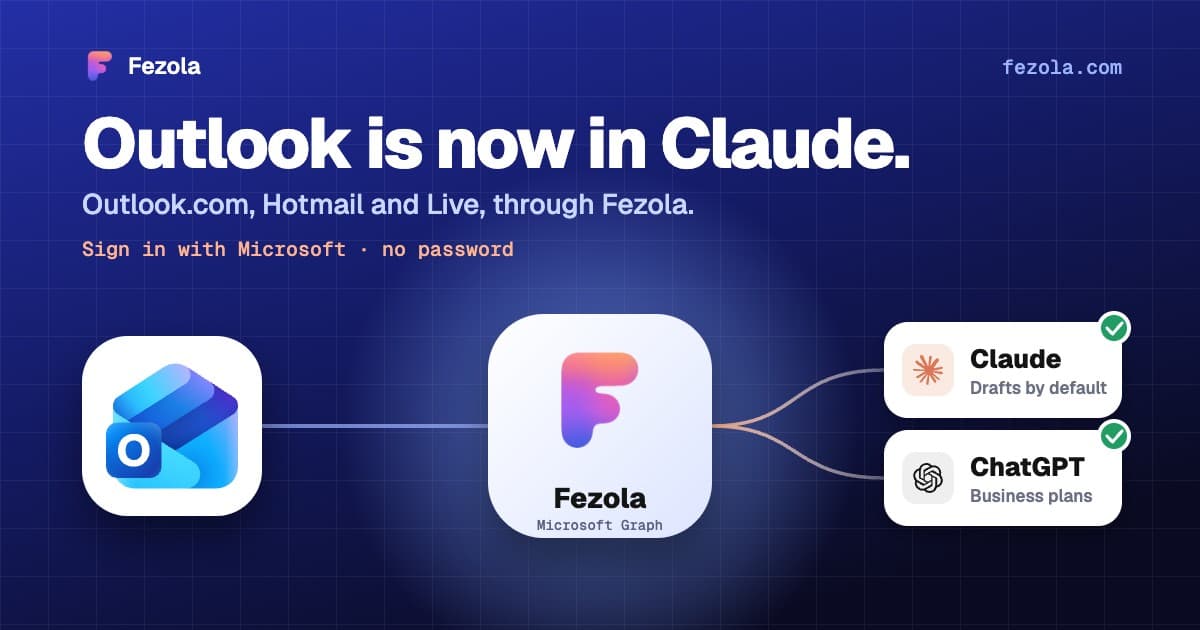
Short answer: you can now connect an Outlook.com, Hotmail or Live mailbox to Fezola with Sign in with Microsoft, and ask Claude (or ChatGPT on Business plans) about it next to your Gmail, iCloud and other mailboxes. No password, no app password, no IMAP setting to find.
Why this matters
Outlook.com is one of the most used personal mailboxes, and it was the most requested one. Connecting it the classic way, over IMAP, often fails: Microsoft turns IMAP and SMTP off on many personal mailboxes, and the error messages do not say why. So Fezola does not use IMAP for Outlook at all. It talks to your mailbox through Microsoft Graph, the official Microsoft API, with the permissions you approve on Microsoft's own screen.
How to connect it
- In Fezola, open Sources, then Add a mailbox.
- Choose Outlook.com and click Sign in with Microsoft.
- Pick your account and accept the permissions.
That is it: the mailbox appears in your list, and your assistant sees it through the same Fezola connector (https://api.fezola.com/mcp). You can revoke the access at any time, from Fezola or from your Microsoft account.
What your assistant can do with it
The same things as with every other mailbox in Fezola:
- Search the whole mailbox, by sender, recipient, subject, date or text, alone or together with your other mailboxes in one search. Each result names the account it comes from.
- Read a message or a whole conversation, and the attachments: PDF, Word, text and images.
- Prepare replies and forwards as drafts. The draft is saved in the Drafts folder of the Outlook mailbox that received the message, with that address as sender. You review it in Outlook and send it yourself.
- Organize: mark as read, flag, move, archive, junk or delete.
Drafts first, by design
Fezola never sends on its own. Sending exists, but it is off by default, and you switch it on yourself for each mailbox after reading what it implies. When a draft goes to an address the mailbox has never written to or heard from, Fezola says so, so that you notice a recipient slipped in by a malicious email before anything leaves.
And Claude's own Microsoft 365 connector?
Claude has an official Microsoft 365 connector, and it is a different tool for a different job. According to Anthropic's help article (checked 11 November 2026), it is available on all Claude plans and is set up for work and school accounts: a Microsoft Entra Global Administrator must grant a one-time consent, and on Team and Enterprise plans an organization owner enables it. The article says personal Microsoft accounts need no admin setup and are not shown on Team and Enterprise plans, but it does not name Outlook.com or Hotmail addresses, so check what your own Claude settings offer.
By default the connector reads and searches Outlook mail; sending, forwarding and drafting are optional write tools that the organization has to turn on, and they do not support attachments. If your mailbox is a work or school one, start with that connector. If it is a personal Outlook.com, Hotmail or Live mailbox, or you want it in the same search as your Gmail and iCloud mailboxes, that is what Fezola is for.
What is not supported yet
Work and school mailboxes on Microsoft 365 are not supported yet: today Fezola connects personal Microsoft accounts (Outlook.com, Hotmail, Live, MSN). If you need Microsoft 365, tell us at hello@fezola.com.
Try it
Fezola is free for 2 sources, so you can connect Outlook next to Gmail or iCloud without paying. Pro connects up to 20 sources for $9 per month, with a 7-day free trial.
Questions
Which Outlook mailboxes does Fezola support?
Personal Microsoft mailboxes: Outlook.com, Hotmail, Live and MSN addresses. Work or school mailboxes on Microsoft 365 are not supported yet.
Do I need to turn on IMAP or create an app password?
No. You sign in with Microsoft and accept the permissions. Fezola reads and writes your mail through the Microsoft Graph API, so the IMAP setting of Outlook.com does not matter.
Can the AI send emails from my Outlook mailbox?
Not by default. Replies are saved as drafts in your Outlook Drafts folder, and you send them yourself. Direct sending exists, but you switch it on yourself, mailbox by mailbox.
Can I use Outlook next to Gmail and iCloud?
Yes. One search covers every connected mailbox, and each result says which account it comes from. The free plan includes 2 sources.
Connect your first inbox in two minutes
Free with 2 sources, no card needed. Nothing to install.
Start for freeKeep reading

· 6 min read
Best email MCP servers for Claude (and ChatGPT Business) in November 2026
An honest comparison of email MCP servers for Claude, and for ChatGPT on Business plans: built-in connectors, self-hosted and hosted options, with their limits.
Read the article
· 2 min read
What is an email MCP server, and what can it do with your inbox?
An email MCP server lets Claude or ChatGPT read, search and draft replies in your mailboxes. How it works, what it can and cannot do, and how to set one up.
Read the article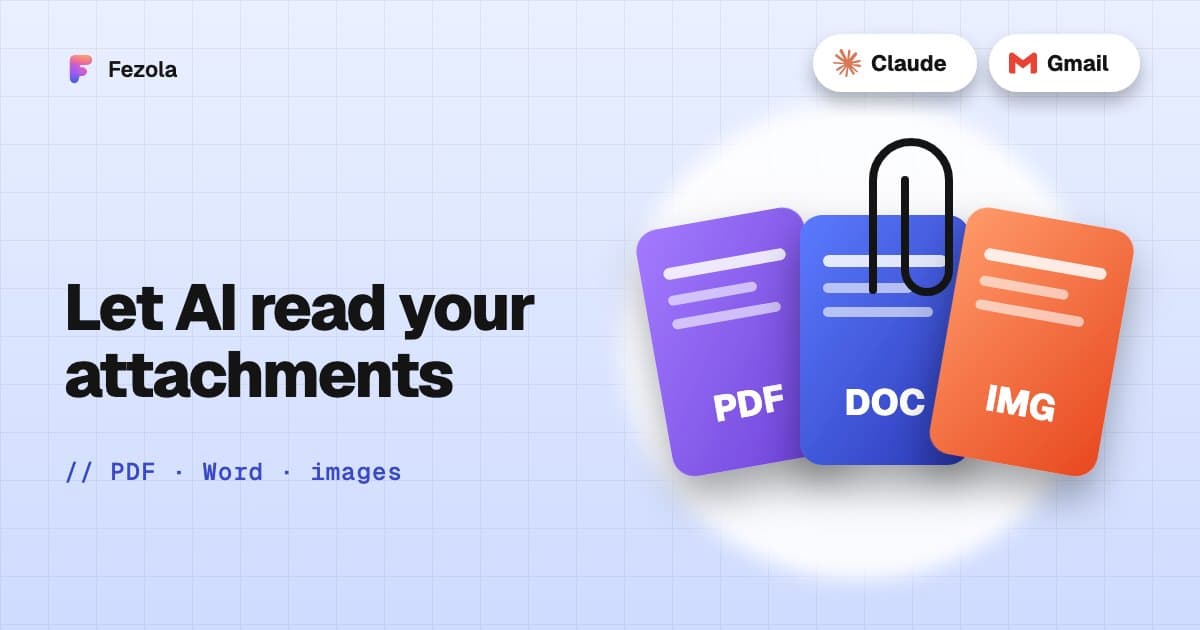
· 3 min read
Read email attachments with AI: PDF, Word and images, and what is not supported
Which email attachments an AI assistant can really read: PDF, Word, text and images, the size limits, what is unsupported, and examples with invoices and contracts.
Read the article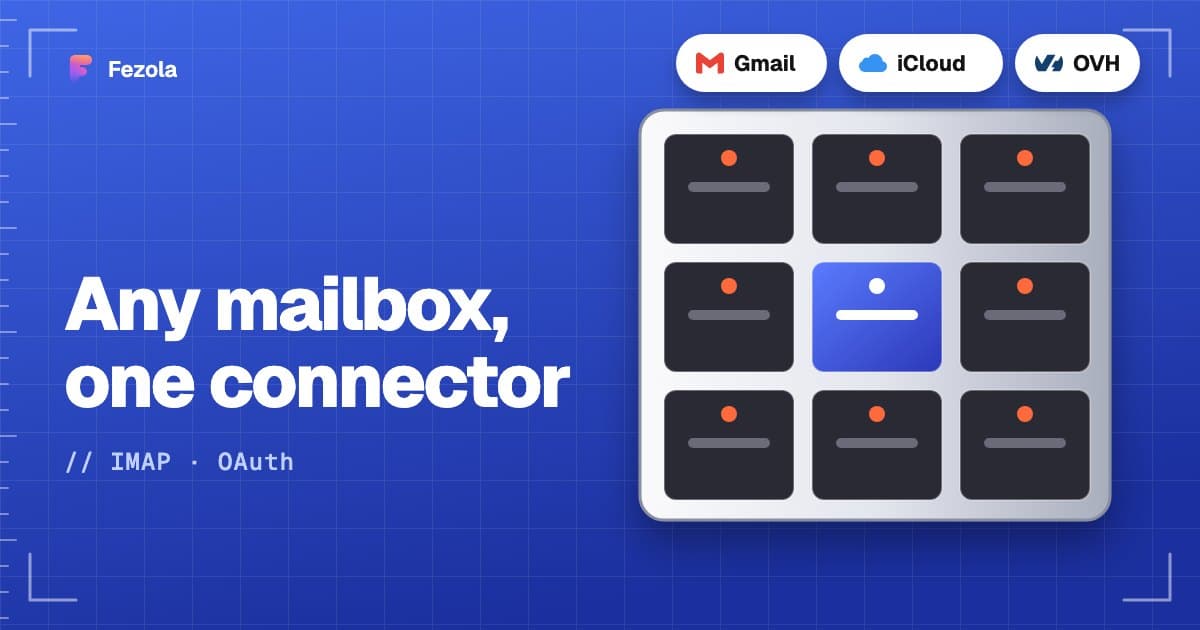
IMAP MCP server: connect any mailbox to Claude (and ChatGPT Business)
OVH, IONOS, Gandi, Fastmail or a mailbox on your own domain, in Claude (and ChatGPT Business), with nothing to install.
Read the guide
How to bring all your inboxes and chats into Claude (or ChatGPT Business)
Gmail, iCloud, your own domain over IMAP, Google Chat and Telegram, searchable together through one connector.
Read the guide