Triage all your inboxes with Claude: 12 prompts that work
4 min readBy Fezola

Short answer: once Claude can reach your mailboxes, the best prompts are specific and ask for one result: what needs a reply today across all inboxes, the summary of a long thread, the total on a PDF invoice, or a reply drafted in the right mailbox. Below are twelve you can copy, each with the tool Claude calls behind the scenes. They use Fezola, a connector that holds several mailboxes, Google Chat and Telegram behind one URL.
Before you start
You need Claude connected to your mailboxes. Claude's built-in Gmail connector covers Google accounts. For iCloud, a mailbox on your own domain or several providers in one search, add an MCP connector: see how to add a custom connector to Claude. If you use ChatGPT, custom MCP servers are available on Business and Enterprise/Edu plans (Pro with read and fetch permissions only), so Claude is the easiest way in. New to the idea? What is an email MCP server explains it in two minutes, and what is Fezola says who we are.
Two things to know about how it behaves. Reading does not mark anything as read: search_messages and get_message leave your unread counts alone. And anything written is a draft saved in the mailbox that received the message: by default nothing is sent unless you send it yourself (direct sending is something you switch on per mailbox).
1. What needs my reply today?
"What needs my reply today, across all my mailboxes, Google Chat and Telegram? Group by urgency."
Tool: list_recent. It lists recent messages from every connected source in one newest-first list, mail, Google Chat and Telegram, and marks whether you already replied (repliedAfter). By default it shows unread mail.
2. Find the urgent ones
"Search all my mailboxes for unread emails from the last two days that mention a deadline, an invoice or an urgent request."
Tool: search_messages, which searches one mailbox or all of them at once, with full text, sender, date range and unread filters. Each result names its account.
3. The month's invoices, read from the PDFs
"Find the invoices I received this month, open the PDF attachments and give me a table: supplier, date, total."
Tools: search_messages, get_message, get_attachment. get_attachment returns PDF, Word, text and similar documents as text, and images as images. Scanned PDFs without text are reported as unsupported, so check the total on those yourself.
4. Draft a reply in the right mailbox
"Draft a polite reply to the last email from the printer saying we confirm the order for Friday."
Tool: reply_draft. It creates the reply as a draft in the mailbox that received the original, with that mailbox's address as the sender and the thread filled in. You open it in your mail app, adjust it and send.
5. Summarize a long thread
"Summarize the thread with the landlord about the lease: what was agreed, what is still open?"
Tool: get_thread. It reads the whole conversation oldest first, including your own replies, with quoted text removed so each message shows only what it adds (up to the 20 most recent messages).
6. What has waited too long?
"Which emails have been waiting for my answer for more than three days? List sender, subject and age."
Tool: search_messages with an unread filter and a date limit. Useful on Monday morning.
7. Find a document and pull one fact out of it
"Find the signed contract with Acme and tell me the payment terms and the notice period."
Tools: search_messages then get_attachment. Long documents are truncated beyond a size limit, so ask for the part you need.
8. Write a new email, not a reply
"Write a short email to my accountant asking for the Q3 statement, from my work address."
Tool: create_draft. It saves a new email in the Drafts folder of the mailbox you choose. Nothing is sent.
9. Forward with a note
"Forward the delivery confirmation from this morning to Sam, with a line asking him to check the address."
Tool: forward_draft, which prepares the forward as a draft with recipients, subject and quote filled in.
10. Clean up newsletters, on request
"Find the last five newsletters from this sender and archive them."
Tools: search_messages then archive_message. Archiving moves the message to the mailbox's archive folder, it does not delete it. Fezola only organizes when you ask, so say exactly what you want moved.
11. Flag what you must follow up
"Flag the three emails from clients that I need to follow up on this week."
Tool: flag_message, which adds the follow-up flag, the star on Gmail.
12. Catch up on chats, not only mail
"What did I miss on Telegram and Google Chat today? Only things addressed to me that I have not answered."
Tools: list_recent_telegram and list_recent_chat. Both are read-only, and both mark whether you have replied since.
Prompts that work better
- Name the result you want. A table, a list of three items, a draft: Claude picks the right tool more reliably.
- Say which mailbox when it matters. Every result names its account, and drafts land in the mailbox that received the mail.
- Ask for sources. "Quote the sentence" or "give the date and sender" lets you check before you act.
- Review drafts before sending. Email is untrusted input: a message can contain instructions aimed at the model, which is one reason the connector saves drafts by default instead of sending.
Try it
Create a free Fezola account, add a mailbox in Sources, add Fezola to Claude with the URL https://api.fezola.com/mcp and paste prompt 1. For setup on your own domain, see how to connect a custom domain email, and to compare connectors, best email MCP servers. On safety: is it safe to connect your email to an AI?.
Questions
What are good prompts to summarize and triage email with Claude?
Ask for what needs a reply today across all your mailboxes, summarize a long thread, find a PDF invoice and read the total, or draft a reply in the right mailbox. Twelve copy-paste examples are above, each with the tool it calls.
Can Claude read my email by itself?
Only if you connect a mailbox. Claude's built-in Gmail connector covers Google accounts; for iCloud, your own domain or several providers in one search, add an MCP connector such as Fezola. Claude then calls tools like search_messages when you ask.
Will these prompts send emails?
Not by default. With Fezola, reply and new-email tools save drafts in the mailbox that received the message, and direct sending is off unless you switch it on for a mailbox. You review and send from your mail app.
Do these prompts work in ChatGPT?
The prompts are plain language and work anywhere the connector works. ChatGPT accepts custom MCP servers on Business and Enterprise/Edu plans (Pro with read and fetch permissions only), so the draft prompts may not be available on a Pro plan.
How much does Fezola cost?
Fezola is free for 2 sources. Pro connects up to 20 sources for $9 per month or $90 per year, with a 7-day free trial.
Connect your first inbox in two minutes
Free with 2 sources, no card needed. Nothing to install.
Start for freeKeep reading
· 3 min read
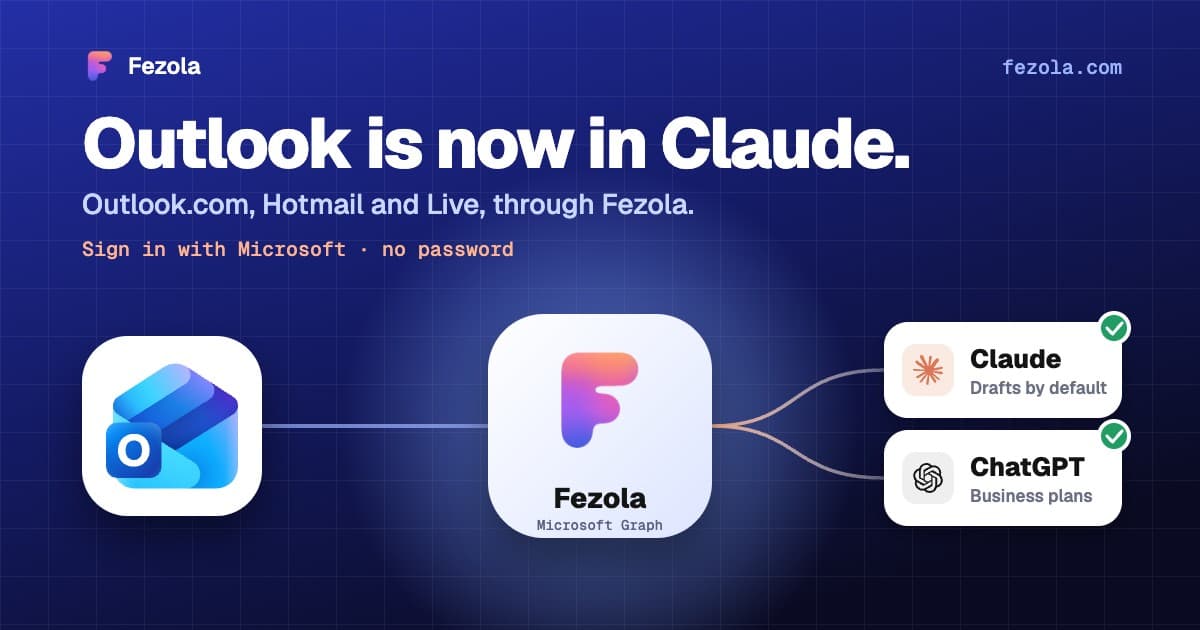
Outlook.com and Hotmail now work in Claude (and ChatGPT on Business plans) with Fezola
Connect an Outlook.com, Hotmail or Live mailbox to Claude (and ChatGPT on Business plans) in one click with Sign in with Microsoft: no password, no IMAP setting, drafts only by default.
Read the article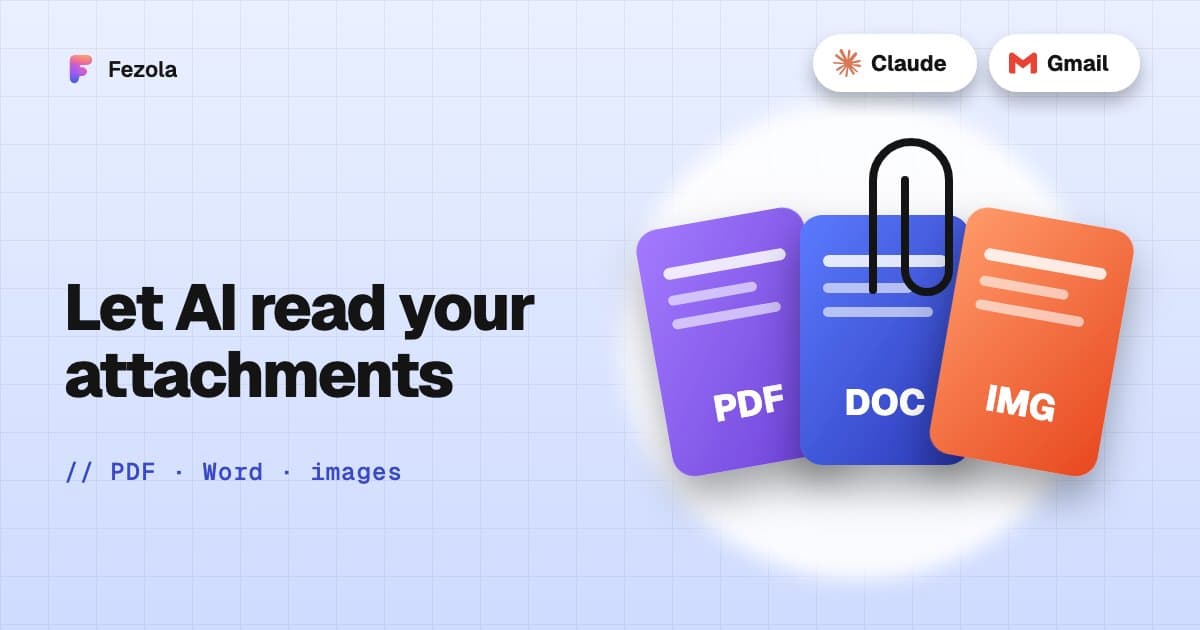
· 3 min read
Read email attachments with AI: PDF, Word and images, and what is not supported
Which email attachments an AI assistant can really read: PDF, Word, text and images, the size limits, what is unsupported, and examples with invoices and contracts.
Read the article
· 6 min read
Best email MCP servers for Claude (and ChatGPT Business) in November 2026
An honest comparison of email MCP servers for Claude, and for ChatGPT on Business plans: built-in connectors, self-hosted and hosted options, with their limits.
Read the article
IMAP MCP server: connect any mailbox to Claude (and ChatGPT Business)
OVH, IONOS, Gandi, Fastmail or a mailbox on your own domain, in Claude (and ChatGPT Business), with nothing to install.
Read the guide
How to bring all your inboxes and chats into Claude (or ChatGPT Business)
Gmail, iCloud, your own domain over IMAP, Google Chat and Telegram, searchable together through one connector.
Read the guide