ChatGPT connectors and apps: what exists, how to add a custom MCP server, which plans
In short
ChatGPT connects to tools through apps in Settings, Plugins, and, on Business, Enterprise and Edu, custom MCP servers. What exists, how to add one, which plans.
By FezolaPublished 2 min read
On this page
ChatGPT connects to outside tools through apps, shown under Settings, Plugins, and, on Business, Enterprise and Edu plans, through custom MCP servers that you add by URL. This guide sums up what exists, how to add a custom server and which plans allow it, from OpenAI's help pages read on 15 November 2026. Availability changes, so check the linked pages.
What exists in ChatGPT
| Kind | Example | Who sets it up | Limit |
|---|---|---|---|
| Native app, mail | Gmail plugin | You, with Google sign-in | Varies by app and plan |
| Native app, Microsoft | Outlook Email, Outlook Calendar | You, with Microsoft Entra consent | Plans not stated on OpenAI's page |
| Custom MCP server | Fezola, Notion, Zapier | You, admins or owners by plan | Business, Enterprise, Edu: full; Pro: read only |
OpenAI's page on connected apps says an app's availability depends on the app, plan, region, workspace, role, model and interface, and that some apps support more than one connected account. Its page on the Outlook apps describes Outlook Email and Outlook Calendar for supported Microsoft accounts, including work and school accounts.
How to add a custom MCP server
- Open Settings, then Plugins.
- Choose the plus button, then Add custom MCP server.
- Paste the public HTTPS URL, accept the risk warning and sign in.
This follows OpenAI's page on connecting custom MCP servers (read on 15 November 2026). The detailed step by step is in add an MCP server to ChatGPT.
Which plans allow it
Full MCP support, including write or modify actions, is listed for ChatGPT Business and Enterprise or Edu, on web. On Business, only admins and owners create and publish connections; on Enterprise and Edu, admins and owners, plus members through role-based access. Pro users can connect custom MCP servers with read and fetch permissions. Plus and Free are not mentioned on that page. The comparison with Claude is in which plan you need.
When a hosted connector helps
For one Gmail account, ChatGPT's own plugin is the shortest path: see can ChatGPT read my Gmail. Fezola helps when you want several accounts, iCloud, IMAP or Outlook.com in the same search, or the same connection in Claude and ChatGPT. Replies are drafts by default. It is free for 2 sources; Pro is unlimited for $9 a month or $90 a year, with a 7-day free trial. For Claude, see Claude connectors.
Create your free Fezola account to get your connector URL.
Questions and answers
What are ChatGPT connectors?
Connectors, now shown as apps or plugins in ChatGPT, let ChatGPT use outside tools and data such as your mail or calendar. Some are built in, such as the Gmail plugin and the Outlook Email and Outlook Calendar apps, and others are custom MCP servers you add by URL.
How do I add a custom MCP server to ChatGPT?
According to OpenAI's help page read on 15 November 2026, in the current Plugins experience: Settings, Plugins, the plus button, then Add custom MCP server, with a public HTTPS URL and a risk warning to accept. Developer mode is no longer needed.
Which ChatGPT plans allow custom MCP servers?
Full MCP support, including write actions, is listed for Business and Enterprise or Edu on ChatGPT web. Pro users can connect custom MCP servers with read and fetch permissions. The page does not mention Plus or Free, so we make no claim for them.
Can ChatGPT use several accounts of the same app?
OpenAI's page on connected apps says some apps support more than one connected account. Whether yours does depends on the app, your plan and your workspace.
Do I need Fezola if ChatGPT already has a Gmail plugin?
Not for one Gmail account. A hosted connector such as Fezola helps when you want several accounts, other mailboxes such as iCloud or IMAP, or the same connection in Claude and ChatGPT.
More in MCP basics

Which Claude and ChatGPT plan do you need for custom connectors and MCP servers?
Claude allows custom connectors on Free (one), Pro, Max, Ultra, Team and Enterprise. ChatGPT on Business, Enterprise and Edu, Pro read-only. Checked Nov 2026.
2 min read
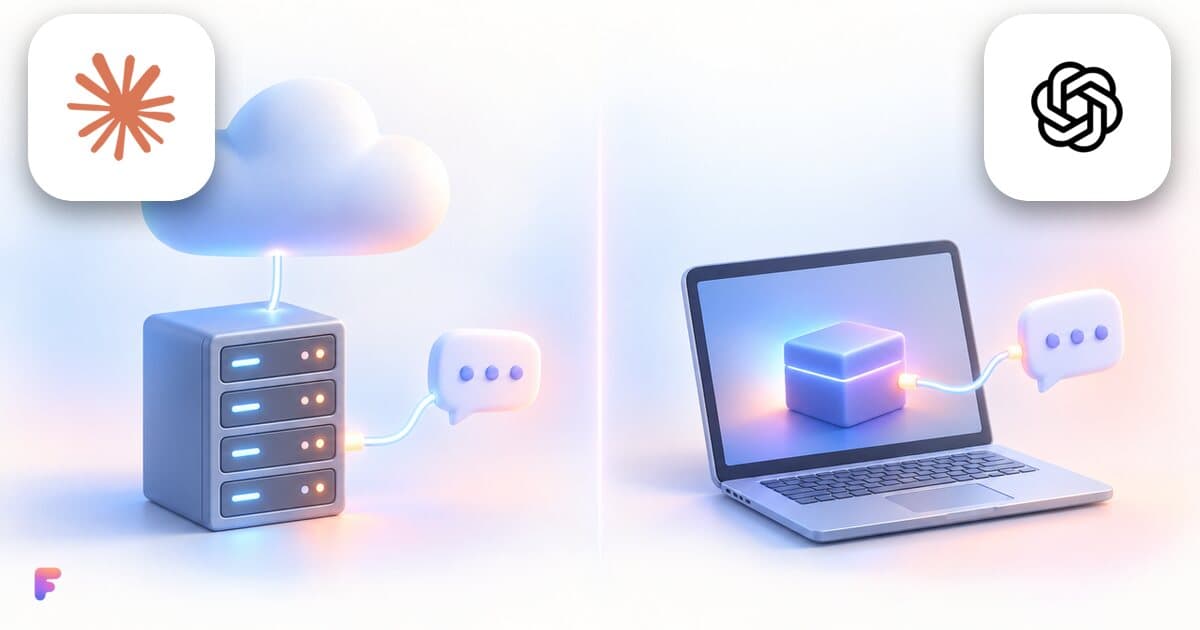
Remote MCP server or local one: which should you use?
A local MCP server runs on your computer, a remote one on a provider's servers. What changes for setup, updates and security, and what Claude and ChatGPT use.
2 min read

Best MCP (Model Context Protocol) servers for Claude and ChatGPT in 2026, by job
The best Model Context Protocol (MCP) servers match a job you do weekly and let you control access: email, calendar, notes, ads, SEO, social media, voice.
2 min read