What is an MCP connector? A plain definition, with an example
In short
An MCP connector is the link that lets an AI assistant use a tool through the Model Context Protocol: you paste a URL and sign in. How it differs from a server.
By FezolaPublished 2 min read

On this page
An MCP connector is the link that lets an AI assistant such as Claude or ChatGPT use a tool or a data source, through the Model Context Protocol (MCP). As a user, you set it up by pasting a URL in the assistant's settings and signing in. Behind that URL sits an MCP server, the program that does the work. This guide defines the terms with one example.
Connector, server and API
| Term | What it is | Who deals with it | Example |
|---|---|---|---|
| MCP | The open standard (Model Context Protocol) | Developers | modelcontextprotocol.io |
| MCP server | The program exposing a tool's actions | The provider | A mailbox, calendar or notes server |
| MCP connector | The link from the assistant to a server | You, in settings | A URL plus a sign-in |
| API | One service's own interface | Developers | A mail provider's API |
The words connector and server are often used loosely: in Claude's menus you add a custom connector, and what you paste is the address of a remote MCP server. See what is MCP for the protocol itself.
An example, step by step
Say you want your assistant to search several mailboxes. With a hosted connector such as Fezola, you connect each mailbox once, then add one URL in Claude, ChatGPT or Grok and sign in. The assistant can now search all of them, and each result names its account. Replies are saved as drafts, so you read and send yourself.
What changes with the plan
Adding a custom connector depends on your plan: Claude allows it from Free, with one connector, while ChatGPT lists Business, Enterprise and Edu, with Pro read-only. See which plan you need, then the guides for Claude connectors and ChatGPT connectors. If a connector runs on your own computer instead of a provider's servers, see remote or local MCP server.
Fezola is free for 2 sources; Pro is unlimited for $9 a month or $90 a year, with a 7-day free trial. Create your free Fezola account to try a connector.
Questions and answers
What is an MCP connector?
An MCP connector is the link that lets an AI assistant such as Claude or ChatGPT use a tool or data source through the Model Context Protocol. As a user you set it up by pasting a URL and signing in; behind it sits an MCP server.
What is the difference between an MCP connector and an MCP server?
The MCP server is the program that exposes a tool's capabilities. The connector is how the assistant is pointed at it, usually a URL you add in the assistant's settings. In everyday use the two words are often mixed.
What is the difference between an MCP connector and an API?
An API is how one program talks to one service, in that service's own way. MCP is a common way for assistants to talk to many services, so an assistant can use a new tool without a custom integration for each.
Do I need to code to use one?
No. For a hosted connector you add a URL in Claude or ChatGPT and sign in. Plans differ in what they allow: see our guide to which plan you need.
Is an MCP connector safe?
It depends on the server and the permissions you give it. Check what it can read, whether it can write or send, who runs it and how you remove access, and treat what it reads, such as an email, as untrusted input.
More in MCP basics
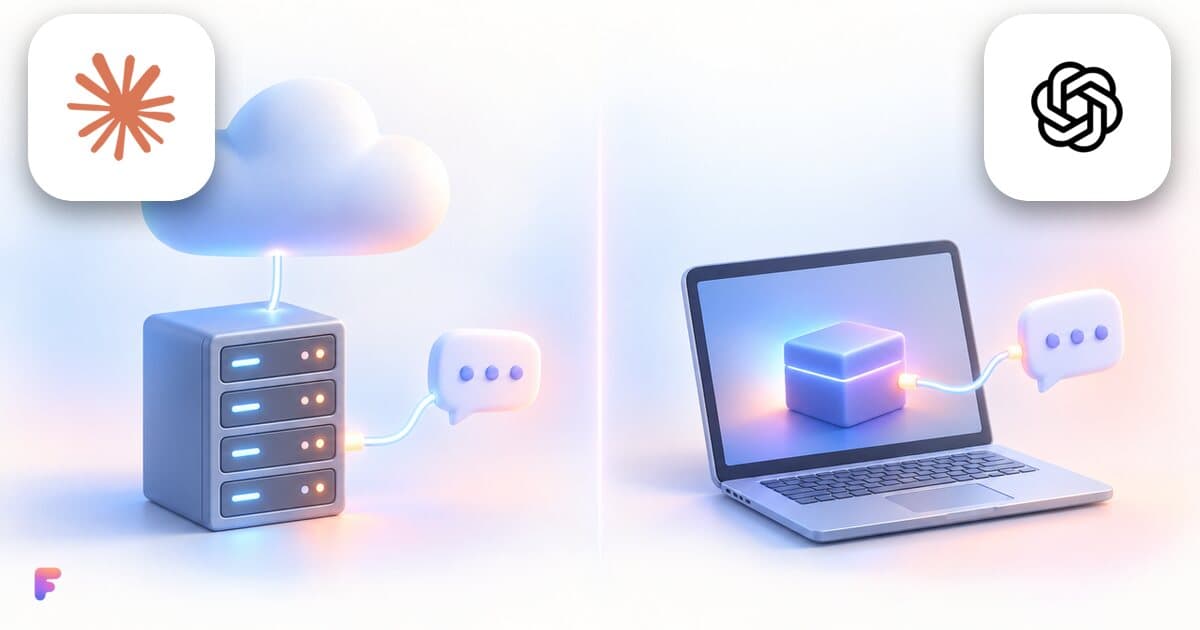
Remote MCP server or local one: which should you use?
A local MCP server runs on your computer, a remote one on a provider's servers. What changes for setup, updates and security, and what Claude and ChatGPT use.
2 min read
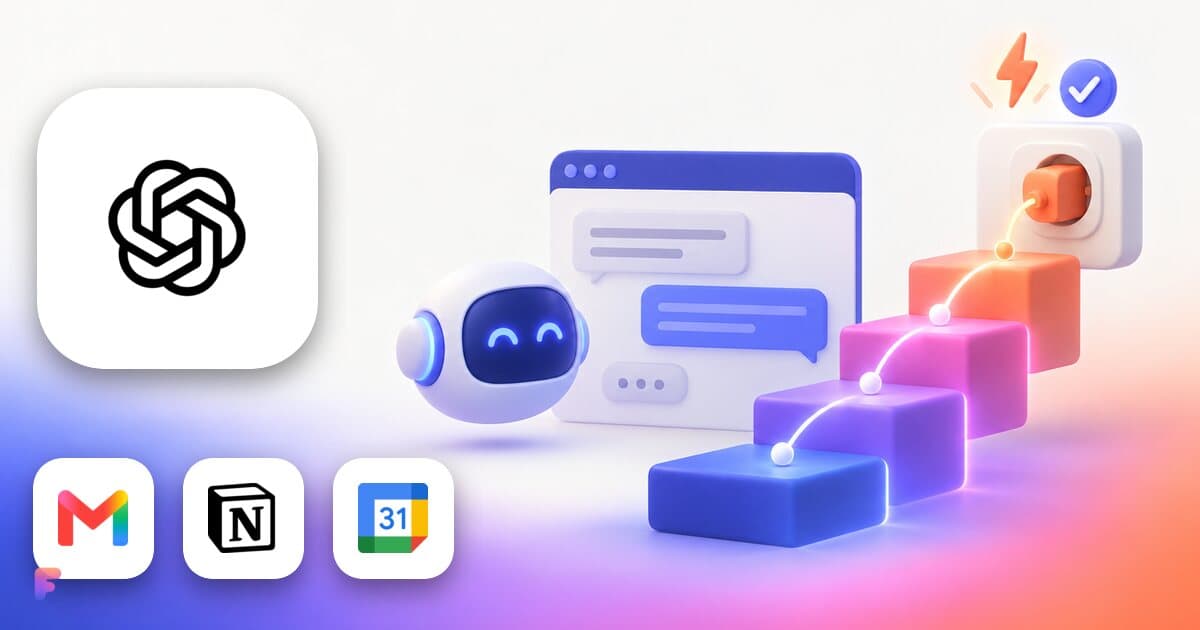
ChatGPT connectors and apps: what exists, how to add a custom MCP server, which plans
ChatGPT connects to tools through apps in Settings, Plugins, and, on Business, Enterprise and Edu, custom MCP servers. What exists, how to add one, which plans.
2 min read

Which Claude and ChatGPT plan do you need for custom connectors and MCP servers?
Claude allows custom connectors on Free (one), Pro, Max, Ultra, Team and Enterprise. ChatGPT on Business, Enterprise and Edu, Pro read-only. Checked Nov 2026.
2 min read