Best MCP (Model Context Protocol) servers for Claude and ChatGPT in 2026, by job
In short
The best Model Context Protocol (MCP) servers match a job you do weekly and let you control access: email, calendar, notes, ads, SEO, social media, voice.
By FezolaPublished Updated 2 min read

On this page
Pick by what you want your assistant to do, then check what the server can read and change. This list is organized by job. Every server below is one that Fezola relays or connects, and the facts come from our code and from each service's documentation as of November 2026: servers and plans change, so check the linked pages. For the full list of what Fezola connects, see the Claude connectors and ChatGPT connectors page.
How to choose an MCP server
- What can it read? One account or everything? Which scopes did you approve?
- Can it write or send? A server that only reads is safer than one that can edit, publish or spend.
- Who runs it? Prefer the service's own official server, or a hosted connector you trust.
- How does it sign in? OAuth on the service's own screen beats pasting a password or a long-lived key.
- Can you revoke it? Look for a disconnect option before you connect.
New to the idea? Read what is MCP first.
Email and calendar
- Gmail, Outlook, iCloud and any IMAP mailbox. Search every mailbox at once, read attachments and save replies as drafts. See Claude email integration and best email MCP servers.
- Google Calendar. Read every calendar, find free time across accounts, create and move events: Google Calendar in Claude and ChatGPT.
Notes, docs and tickets
- Notion. Notion's official server lets an assistant search and edit pages: Notion MCP in Claude and ChatGPT, and several workspaces in one connector.
- Linear and Atlassian (Jira, Confluence). Issues, projects and pages, with write tools: see the Linear and Atlassian pages.
Product, infrastructure and data
- PostHog. Product analytics: trends, funnels, queries, feature flags, experiments. See the PostHog page.
- Cloudflare. DNS, Workers, R2 and analytics across accounts: Cloudflare in Claude and ChatGPT.
- Aircall. Calls, recordings and contacts: see the Aircall page.
Ads, SEO and social media
- Google Ads, Microsoft Advertising and OpenAI Ads. Read and manage ad accounts with guardrails: Google Ads in Claude and ChatGPT, and the hosted versus self-hosted comparison.
- Google Search Console and DataForSEO. Your search data and keyword research: Search Console in Claude and ChatGPT and DataForSEO in Claude and ChatGPT.
- Zernio. Schedule posts and read analytics and messages across social accounts: Zernio in Claude and ChatGPT.
Voice and email marketing
- ElevenLabs. Text to speech, voice agents and voice design: see the ElevenLabs page.
- Brevo. Contacts, lists, campaigns and templates: see the Brevo page.
A shared memory across all of them
Whatever you connect, an assistant forgets between conversations. A shared memory keeps what matters about you and your projects, encrypted at rest, and lets you view, edit and erase it.
The short version
Start with the two or three tools you use every day, connect each once, keep approvals on for anything that writes, and add more only when a task needs them. Keep this page handy: it is the checklist to run before you plug anything new into your assistant.
Want your assistants to remember across tools? See Claude memory vs ChatGPT memory.
Questions and answers
What are the best MCP servers for Claude and ChatGPT?
It depends on the job. For notes and docs, Notion's official server; for tickets, Linear's or Atlassian's; for product analytics, PostHog's; for infrastructure, Cloudflare's; for email, calendar, ads and social media, a connector that handles several accounts. This article lists them by job, with what each can read and change.
How do I choose an MCP server?
Check five things: what it can read, whether it can write or send, who runs it, how it signs in, and how you revoke it. Prefer servers that sign in with OAuth over pasting a password, and keep your assistant's approval prompts on for anything that writes.
Do I need to add each MCP server to Claude separately?
You can, but with a connector like Fezola you add each tool and account once in Fezola and give your assistant a single URL. Fezola relays the official servers of Notion, Cloudflare, Atlassian, Linear, PostHog and others.
Are MCP servers safe?
It depends on the server and the permissions you grant. Treat what a server returns, such as an email or a page, as untrusted input, give only the access a task needs, and check how to revoke it.
Does ChatGPT support MCP servers?
ChatGPT supports custom MCP servers on Business, Enterprise and Edu plans, and Claude accepts custom connectors too. Check each plan's current limits.
Is it free?
Most servers are free to connect and the services behind them have their own plans. Fezola is free with 2 sources, and Pro connects unlimited sources with a 7-day free trial.
More in MCP basics

Which Claude and ChatGPT plan do you need for custom connectors and MCP servers?
Claude allows custom connectors on Free (one), Pro, Max, Ultra, Team and Enterprise. ChatGPT on Business, Enterprise and Edu, Pro read-only. Checked Nov 2026.
2 min read
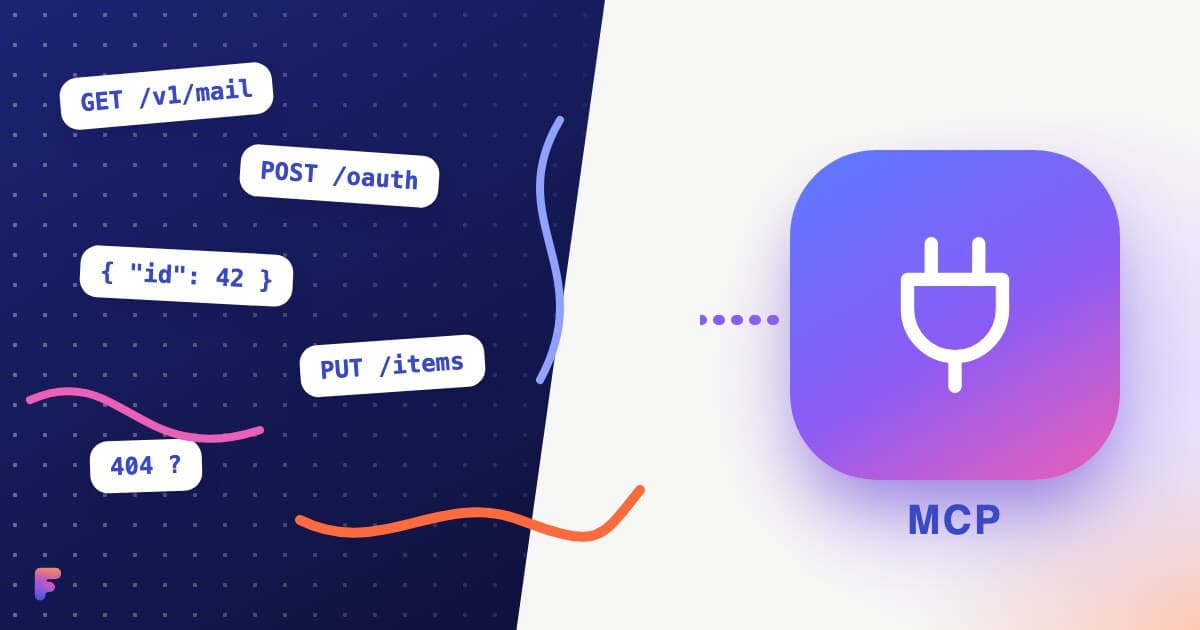
MCP vs API: what is the difference, and when do you need which?
An API connects software to software; MCP lets an AI assistant discover and use tools built on APIs. A plain comparison table, when each fits, and how Fezola uses both.
2 min read
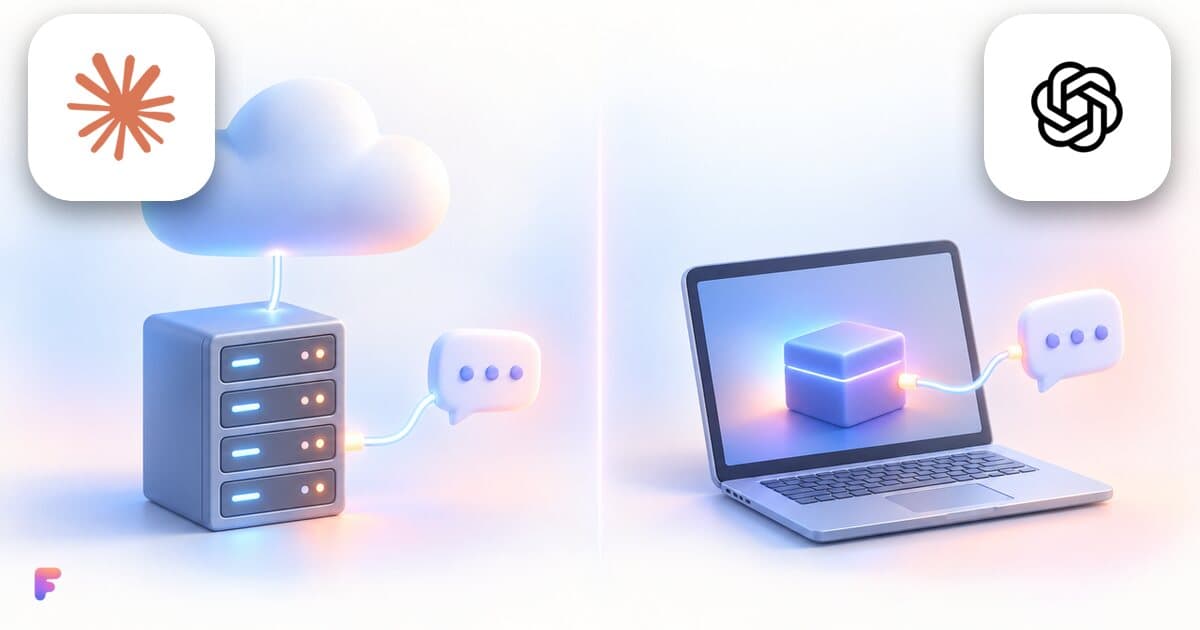
Remote MCP server or local one: which should you use?
A local MCP server runs on your computer, a remote one on a provider's servers. What changes for setup, updates and security, and what Claude and ChatGPT use.
2 min read