Claude Cowork connectors: how to add them and what works in Cowork
In short
Custom connectors work in Claude Cowork on every plan that allows them. Add one from Customize, Connectors, then switch it on per conversation. Nov 2026.
By FezolaPublished 2 min read
On this page
Custom connectors are available in Claude Cowork, as in Claude and Claude Desktop, on every plan that allows custom connectors. You add one from Customize, then Connectors, and switch it on per conversation with the plus button. This guide sums up what Anthropic's help page says about Cowork, read on 15 November 2026: it can change, so check the page.
What Anthropic says about Cowork
| Question | Answer | Limit |
|---|---|---|
| Are custom connectors available? | Yes, Cowork is listed with Claude and Claude Desktop | Remote MCP servers |
| Which plans? | Free (one connector), Pro, Max, Ultra, Team, Enterprise | No Cowork-specific plan rules on the page |
| Where to add one | Customize, Connectors, Add, Add custom connector | Team and Enterprise owners use organization settings |
| How to use one | Enable it per conversation with plus, Connectors | Off by default per conversation |
| Local servers | Not in cloud Cowork sessions | A local Cowork session can use them |
How to add one
On Pro and Max, go to Customize, then Connectors, choose Add, then Add custom connector, name it and paste the server's URL. On Team and Enterprise, an owner adds it from Organization settings, then Connectors. Then enable the connector in the conversation with the plus button, then Connectors. The full steps are in how to add a custom connector to Claude, based on Anthropic's help page.
Remote or local
Cowork reaches a remote connector from Anthropic's cloud, so the server must be publicly reachable on port 443. A local server on your own computer is not available in cloud Cowork sessions, though a Cowork session running locally can use it. See remote or local MCP server for the trade-offs.
Your mailboxes in Cowork
Fezola is a hosted remote connector: you connect Gmail, iCloud, any IMAP mailbox, Outlook.com, calendars and more once, then add one URL, so your mail is available wherever custom connectors are. We have not run a full end-to-end test in Cowork, so tell us if something breaks. It is free for 2 sources; Pro is unlimited for $9 a month or $90 a year, with a 7-day free trial. For several mailboxes in Cowork, see Claude Cowork and several mailboxes; for the terminal agent, see email in Claude Code and Claude Cowork; for the general guide, Claude connectors.
Create your free Fezola account to get your connector URL.
Questions and answers
Can I add connectors to Claude Cowork?
Yes. Anthropic's help page on custom connectors, read on 15 November 2026, lists Cowork alongside Claude and Claude Desktop as places where custom connectors through remote MCP servers are available.
Which plans allow custom connectors in Cowork?
The same plans as custom connectors in general: Free (one custom connector), Pro, Max, Ultra, Team and Enterprise, according to that page. The page does not give plan rules specific to Cowork, so check Anthropic's pages for your plan.
How do I switch a connector on in a conversation?
According to the page, users enable connectors per conversation with the plus button, then Connectors.
Do local MCP servers work in Cowork?
Local servers set up in Claude Desktop with claude_desktop_config.json are not available in cloud Cowork sessions, but a Cowork session running locally on your device can use them, according to the page.
Does a hosted connector such as Fezola work in Cowork?
A remote connector must be publicly reachable on port 443, because the connection comes from Anthropic's cloud. Fezola is a hosted remote connector, so it fits that requirement. We have not run a full end-to-end test in Cowork, so tell us if something breaks.
More in MCP basics

Which Claude and ChatGPT plan do you need for custom connectors and MCP servers?
Claude allows custom connectors on Free (one), Pro, Max, Ultra, Team and Enterprise. ChatGPT on Business, Enterprise and Edu, Pro read-only. Checked Nov 2026.
2 min read
Claude connectors: what they are, how to add one, which plans, the best ones
Claude connectors link Claude to outside tools: built-in ones such as Gmail, and custom ones for any remote MCP server, added from Customize, Connectors.
2 min read
Remote MCP server or local one: which should you use?
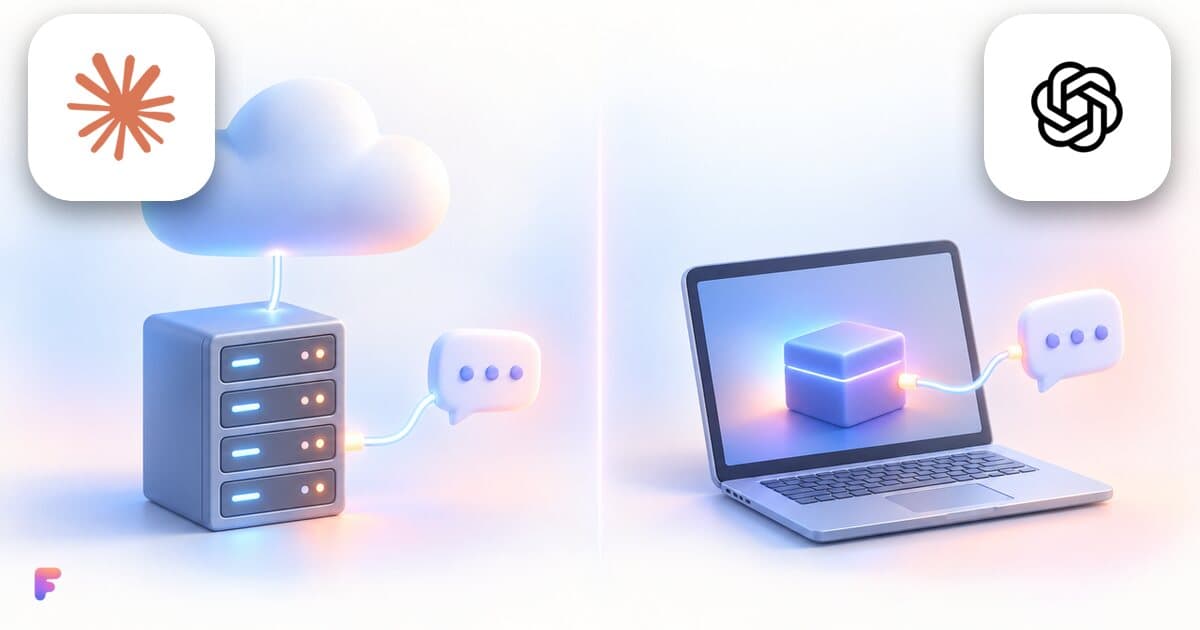
A local MCP server runs on your computer, a remote one on a provider's servers. What changes for setup, updates and security, and what Claude and ChatGPT use.
2 min read