Claude Cowork and your email: how to reach several mailboxes with one connector
3 min readBy Fezola
Claude Cowork reaches the remote connectors of your Claude account, so the simplest way to give it access to several mailboxes is to connect them once in Fezola and add Fezola as a single custom connector. One connector then covers Gmail, Outlook.com, iCloud, Yahoo, OVH, IONOS, Gandi or any IMAP mailbox, plus Google Chat and Telegram in read-only mode. As of November 2026, we have not tested every screen in Cowork ourselves: what follows is what Anthropic documents, plus what Fezola does on its side.
What Anthropic says about Cowork and connectors
According to the help center article on custom connectors:
- Custom connectors using remote MCP are available in Cowork on Free, Pro, Max, Ultra, Team and Enterprise plans. Free users are limited to one custom connector.
- Remote connectors are configured and brokered through your Claude account. The connection to the server comes from Anthropic's servers, not from your machine.
- Local servers set up in
claude_desktop_config.jsonare not available in Cowork or claude.ai. - Connectors are enabled per conversation with the plus button, then Connectors.
- Anthropic does not verify custom connectors: add only servers you trust.
Two consequences for email. A local IMAP server running on your laptop is not the right tool for Cowork, because it does not reach it. And one hosted connector is easier to manage than one per mailbox, especially on a free plan limited to one custom connector.
Setup
- Create a free Fezola account and add your mailboxes in Sources, giving each a short name such as "Personal" or "Work".
- Add Fezola to Claude. Customize, Connectors, + Add, Add custom connector, name it Fezola and paste
https://api.fezola.com/mcp. On Team and Enterprise, an Owner adds it under Organization settings, Connectors, then members connect individually. Details in how to add a custom connector to Claude. - Approve the access on the Fezola consent screen.
- Enable Fezola in your Cowork conversation with the plus button, then Connectors.
What you can ask Cowork
- "Search all my mailboxes for the invoice from the plumber and tell me which account it is in."
- "Summarize what arrived overnight in my work and personal inboxes, group by urgency."
- "Draft a reply to the last email from my accountant, from the right address."
Every search result carries its account name and address, so you always know where a message lives. Attachments in PDF, Word, text and image formats can be read. For the search itself, see search all your inboxes with Claude.
What Cowork cannot do through Fezola
- It does not send by default. Replies are saved as drafts in the mailbox that received the original, with that address as the sender. You review and send them yourself.
- Email is untrusted input. A message can contain instructions aimed at the model. While sending stays off, a hijacked session cannot mail anyone. Read is it safe to give an AI access to your email?.
- You can cut the access. Remove the connector in Claude, or revoke the assistant in Fezola.
If you switch Claude accounts
Connectors belong to a Claude account. If you move between accounts, you reconnect each connector. With Fezola you add one connector per account and your mailboxes follow: see one connector, every Claude account.
What's next
Fezola's direction is simple: if a tool only has an API and no MCP server, we build the connector. Today the ones available are mail, Google Chat and Telegram, with Outlook.com supported and Google Calendar in beta. Others are being prepared and have no release date.
Questions
Can Claude Cowork use a custom MCP connector?
Yes. Anthropic's help center lists custom connectors using remote MCP as available in Cowork, on Free (one custom connector), Pro, Max, Ultra, Team and Enterprise plans.
Do I have to set Fezola up again inside Cowork?
Remote connectors are configured and brokered through your Claude account, so you add Fezola once under Customize, Connectors. You then enable it per conversation with the plus button and Connectors. We have not tested every step in Cowork ourselves, so check your own setup.
Can I use a local MCP server from my claude_desktop_config.json in Cowork?
According to Anthropic, no: local servers configured in claude_desktop_config.json are not available in Cowork or claude.ai. A hosted remote connector such as Fezola is.
Can Cowork send emails from my mailboxes through Fezola?
Not by default. Fezola saves replies as drafts in the mailbox that received the message, with that address as the sender. Direct sending exists only if you switch it on for a mailbox.
Is it free?
Fezola is free with 2 sources. Pro connects up to 20 sources, with a 7-day free trial. Free Claude plans are limited to one custom connector, which is enough for Fezola.
Connect your first inbox in two minutes
Free with 2 sources, no card needed. Nothing to install.
Start for freeKeep reading
· 4 min read
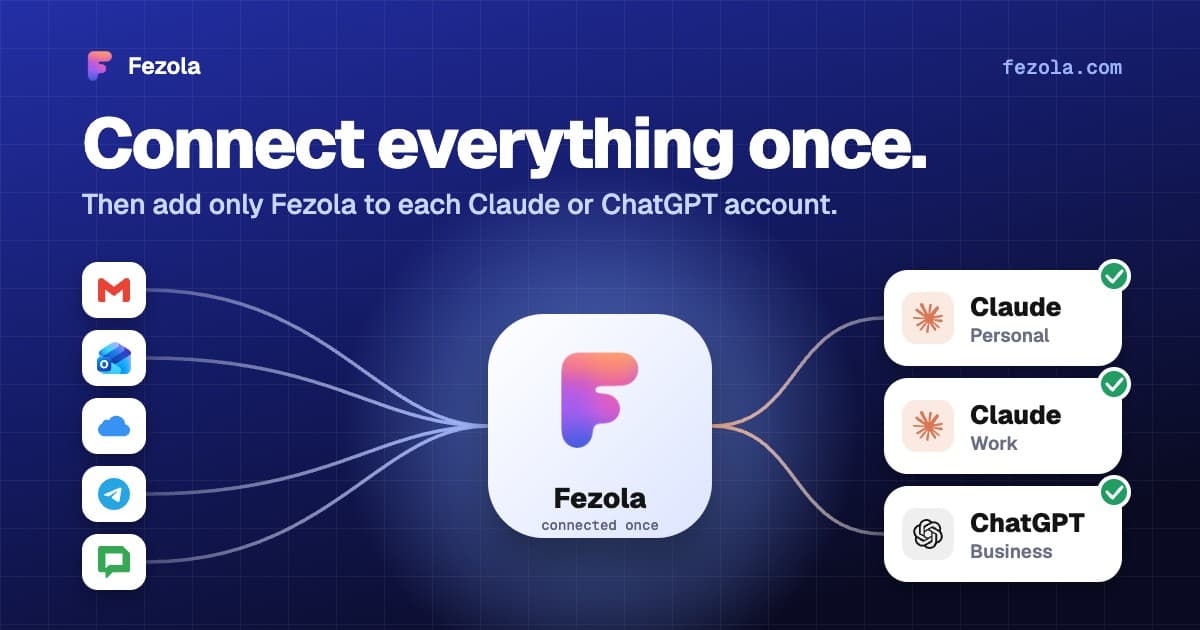
One connector, every Claude account: don't reconnect everything when you switch accounts
Connectors in Claude belong to one account, so switching accounts means starting over. How to connect your mail once and add a single connector to each Claude account.
Read the article
· 4 min read
How to add a custom connector to Claude (and what the free plan allows)
How to add a custom MCP connector to Claude: the exact menus, what the Free plan allows, the sign-in options, how to remove one and what to watch out for.
Read the article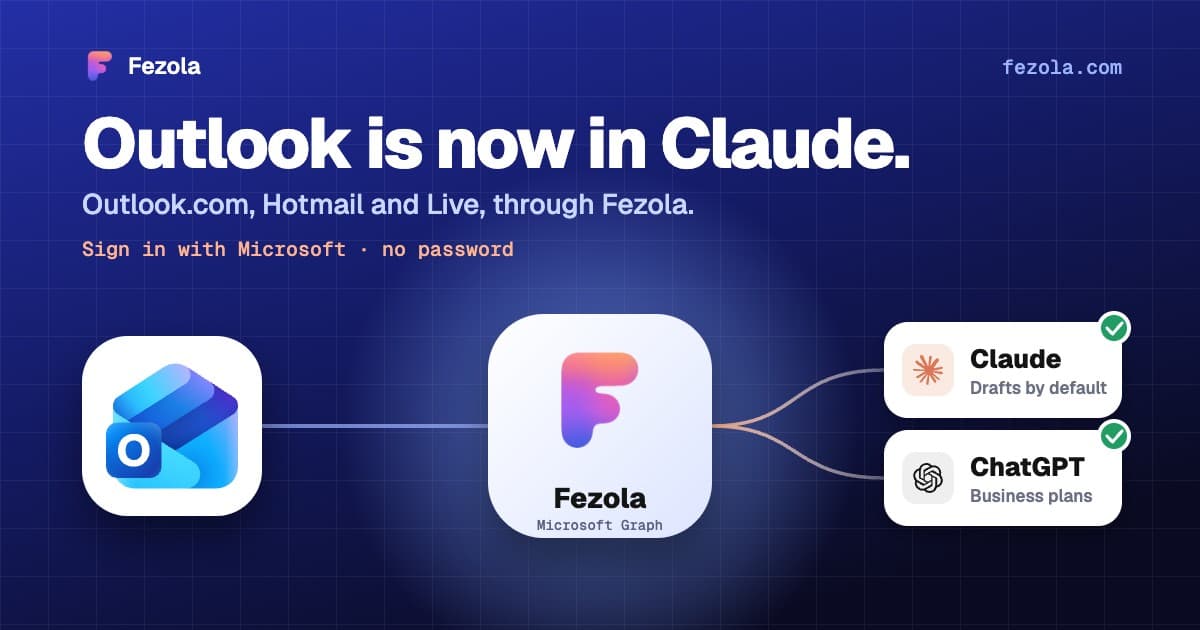
· 3 min read
Outlook.com and Hotmail now work in Claude (and ChatGPT on Business plans) with Fezola
Connect an Outlook.com, Hotmail or Live mailbox to Claude (and ChatGPT on Business plans) in one click with Sign in with Microsoft: no password, no IMAP setting, drafts only by default.
Read the article
IMAP MCP server: connect any mailbox to Claude (and ChatGPT Business)
OVH, IONOS, Gandi, Fastmail or a mailbox on your own domain, in Claude (and ChatGPT Business), with nothing to install.
Read the guide
How to bring all your inboxes and chats into Claude (or ChatGPT Business)
Gmail, iCloud, your own domain over IMAP, Google Chat and Telegram, searchable together through one connector.
Read the guide