Triage your email with Claude: a method and five real examples
3 min readBy Fezola
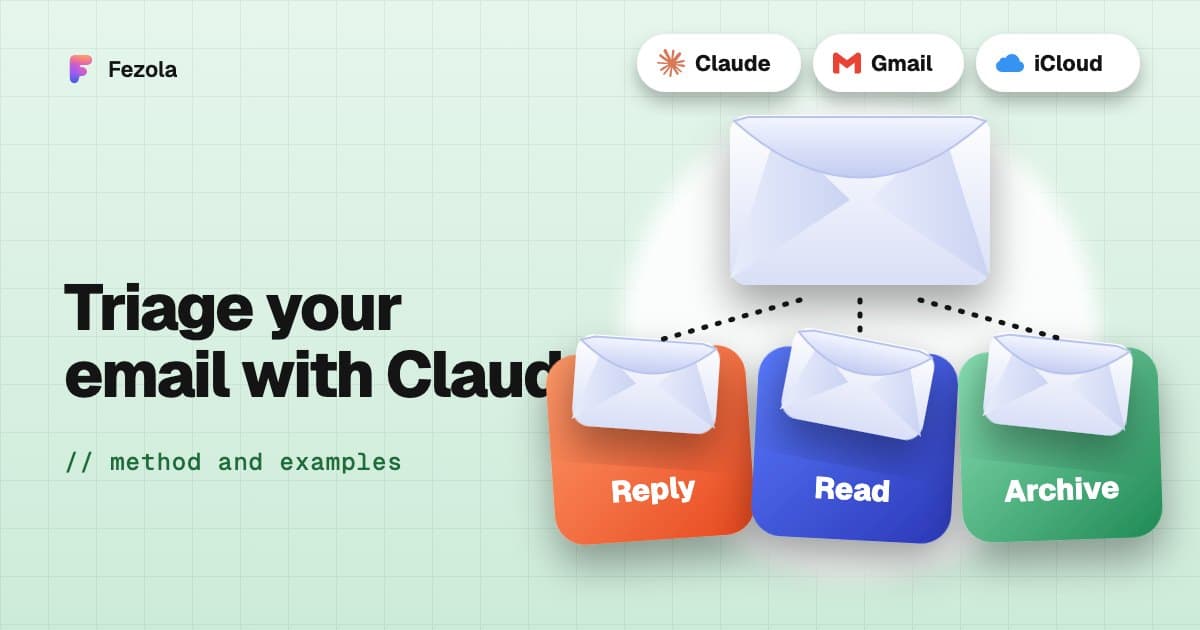
Short answer: to triage email with Claude, connect it to your mailboxes and ask for precise results: what arrived, what waits for a reply, what a PDF says, a draft of a reply. The method is four steps: catch up, sort, read in depth, prepare. You keep control of sending. Below are the method and five concrete cases (invoices, taxes, school, quotes, several mailboxes), with prompts to copy.
The method in four steps
- Catch up. Ask for everything that arrived since yesterday, across all mailboxes, with what has not been answered. Tool:
list_recent, which lists recent messages in one list (unread by default), plus Google Chat and Telegram with a replied-after flag. - Sort. Ask Claude to rank by urgency: deadline, money, person. Tool:
search_messages, which searches one mailbox or all of them by text, sender, date range or unread. - Read in depth. For what needs a decision, have Claude read the whole thread or the attachment. Tools:
get_thread(the conversation oldest first, quoted text removed, 20 messages at most) andget_attachment(PDF, Word, text, images). - Prepare. Have the reply written as a draft, then review and send it yourself (or switch on direct sending for a mailbox). Tools:
reply_draft,create_draft,forward_draft.
Two useful guarantees: reading does not mark anything as read, and by default everything written stays a draft in the right mailbox.
Case 1: invoices and bookkeeping
"Find the invoices I received this month in all my mailboxes, open the PDF attachments and give me a table: supplier, date, total including tax."
For a freelancer or a small business, this saves the most time at month end. Claude searches, opens the PDFs with get_attachment and returns a table to paste into your spreadsheet. Limit: a scanned PDF without text cannot be read, and Claude says so.
Case 2: taxes and paperwork
"Search the emails from the tax office and health insurance from the last three months and list the deadlines, with the date and the document to provide."
Administrative emails hide dates in PDFs. Claude reads them when they contain text and returns a list of deadlines. Always check the date on the original document before acting: Claude reads, you commit.
Case 3: school and family
"What did I miss from the school and the parents' group this week? Only what needs a reply from me."
School emails, Telegram groups, Google Chat: list_recent_telegram and list_recent_chat show whether you have already replied. Telegram and Google Chat stay read-only: Claude never answers in your place.
Case 4: quotes and clients
"Which quotes did I send more than five days ago with no answer? Prepare a short, friendly follow-up for each, as a draft."
Claude finds the unanswered quotes, then prepares follow-ups with reply_draft in the mailbox the quote left from, with that address as the sender. You review, adjust the tone and send.
Case 5: several mailboxes, personal and work
"Search all my mailboxes for today's unread emails and tell me which mailbox each one is in."
With Fezola, every result carries its account (accountLabel, accountEmail). You see at a glance what lands in your personal Gmail, your work mailbox at OVH or IONOS, or your iCloud, and drafts leave from the right address.
Honest limits
- Drafts by default. That is deliberate: a sent email cannot be taken back, so sending is something you switch on per mailbox.
- No scanned PDFs without text, and no unsupported formats (spreadsheets, archives).
- Length. A very long email is truncated beyond 20,000 characters and a document beyond 50,000: ask for the part you need.
- Email is untrusted input. A message can contain instructions aimed at the model: review what Claude proposes before sending.
Get started
Create a free Fezola account, add your mailboxes in Sources, then add Fezola to Claude: Customize, Connectors, + Add, Add custom connector, paste https://api.fezola.com/mcp (every menu). In ChatGPT, custom MCP servers are available on Business and Enterprise/Edu plans (Pro read-only): how to.
For more prompts, see 12 prompts to triage all your inboxes. To connect several providers, read the guide all your inboxes and chats in Claude, and for safety, is it safe to connect your email to an AI?. New to the topic? What is an email MCP server.
Questions
How do I triage my email with Claude?
Connect your mailboxes to Claude, then work in four steps: catch up on what arrived, sort what matters, read in depth what needs a decision, and prepare replies as drafts. The prompts in this article can be copied as they are.
Can Claude summarize my emails?
Yes, once it is connected to your mail. With an MCP connector such as Fezola, it reads a message, a whole thread (quoted text removed, 20 messages at most) and PDF, Word, text and image attachments, then summarizes.
Will Claude send emails for me?
Not by default with Fezola: replies are saved as drafts in the mailbox that received the message, and direct sending is off unless you switch it on for a mailbox. Claude's built-in Gmail connector can send, with your approval asked by default.
Does Claude mark emails as read when it reads them?
No. With Fezola, searching or reading a message does not mark it as read. Organizing (archiving, moving) only happens when you ask.
Can Claude read scanned PDFs?
PDFs with text, yes. A scanned PDF without text is reported as unsupported, so check it yourself.
How much does Fezola cost?
Fezola is free for 2 sources. Pro connects up to 20 sources for $9 per month or $90 per year, with a 7-day free trial.
Connect your first inbox in two minutes
Free with 2 sources, no card needed. Nothing to install.
Start for freeKeep reading
· 3 min read
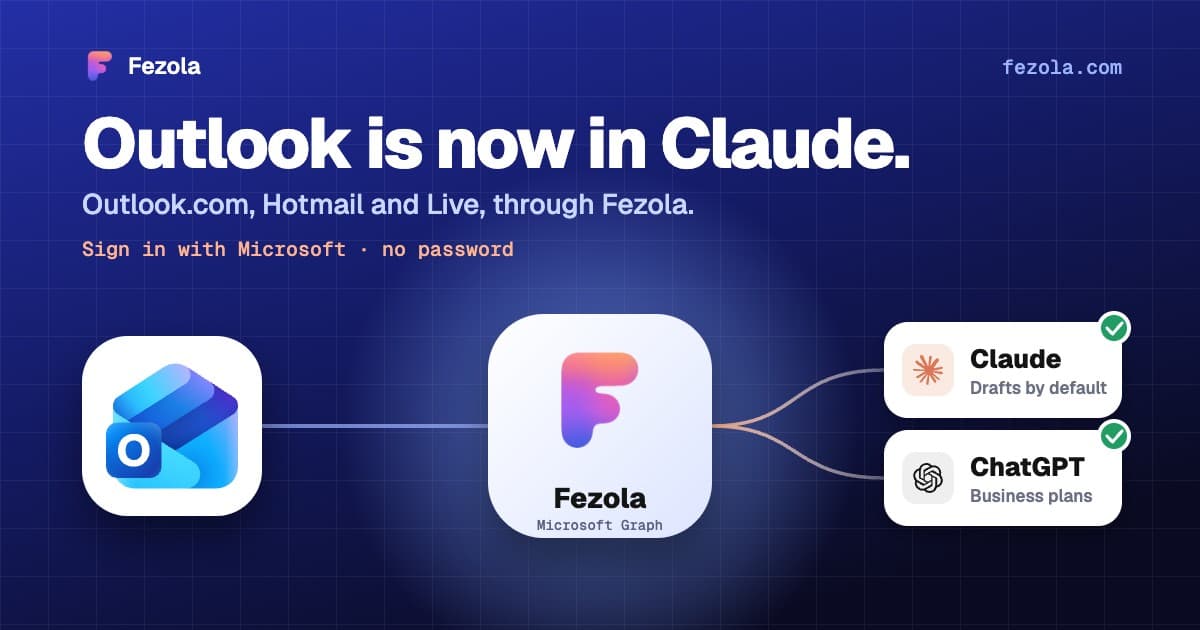
Outlook.com and Hotmail now work in Claude (and ChatGPT on Business plans) with Fezola
Connect an Outlook.com, Hotmail or Live mailbox to Claude (and ChatGPT on Business plans) in one click with Sign in with Microsoft: no password, no IMAP setting, drafts only by default.
Read the article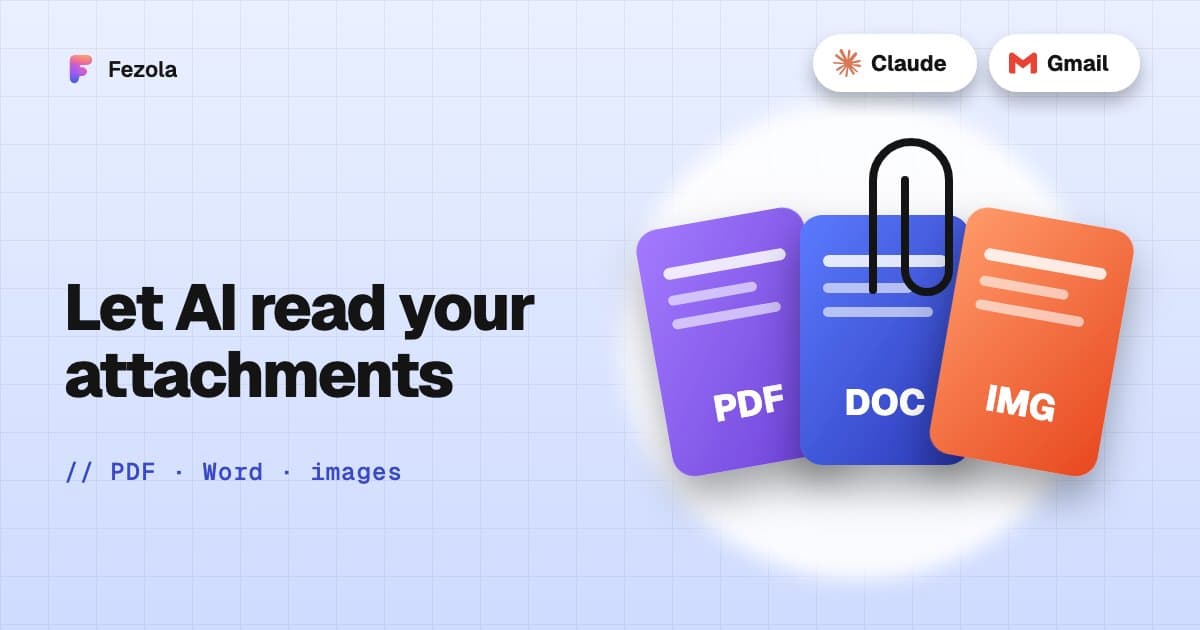
· 3 min read
Read email attachments with AI: PDF, Word and images, and what is not supported
Which email attachments an AI assistant can really read: PDF, Word, text and images, the size limits, what is unsupported, and examples with invoices and contracts.
Read the article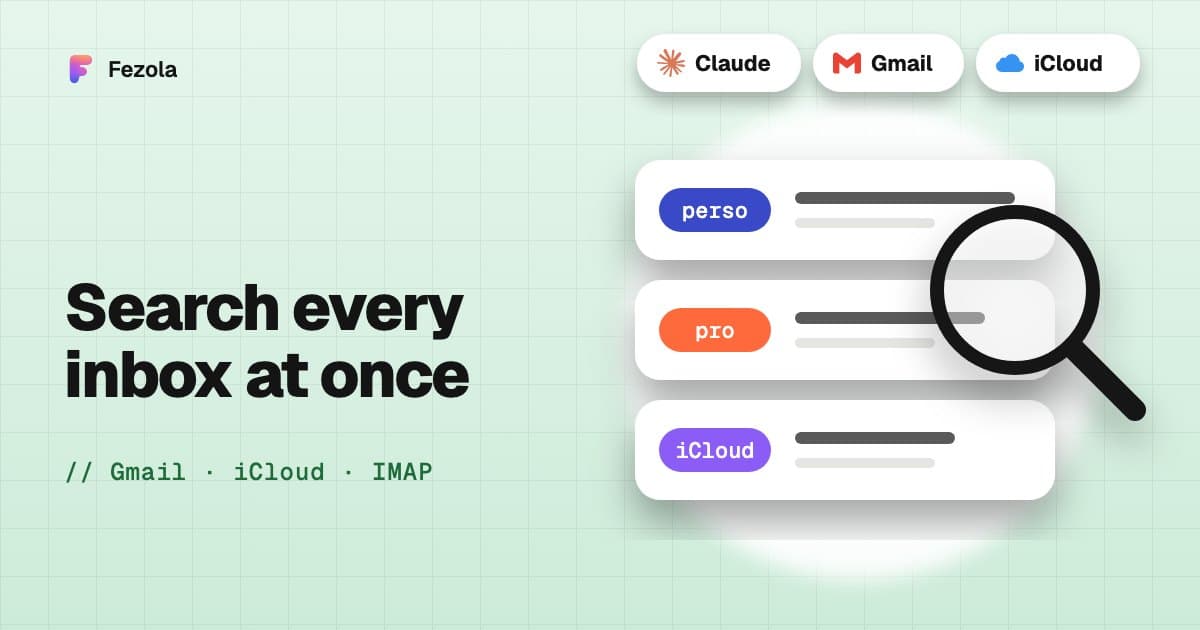
· 3 min read
Search all your email accounts at once with Claude (Gmail, iCloud, IMAP)
Ask one question and have Claude search every mailbox: how a multi-account email search works, a worked example, the exact tool path, and the limits to know.
Read the article
IMAP MCP server: connect any mailbox to Claude (and ChatGPT Business)
OVH, IONOS, Gandi, Fastmail or a mailbox on your own domain, in Claude (and ChatGPT Business), with nothing to install.
Read the guide
How to bring all your inboxes and chats into Claude (or ChatGPT Business)
Gmail, iCloud, your own domain over IMAP, Google Chat and Telegram, searchable together through one connector.
Read the guide