Search all your email accounts at once with Claude (Gmail, iCloud, IMAP)
3 min readBy Fezola
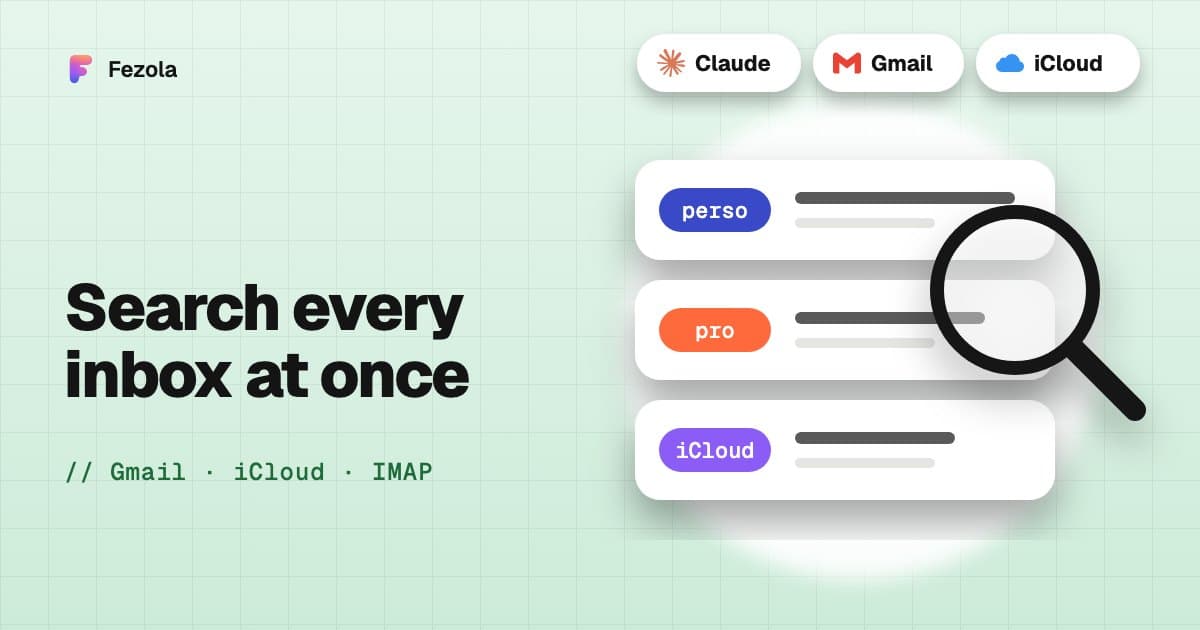
Short answer: to search all your email accounts at once with Claude, connect the mailboxes to one connector that supports several accounts, then ask your question in plain language. Claude searches every mailbox in a single request and each result names its account, so you know whether it came from Gmail, iCloud or a work mailbox on your own domain. This page shows the exact path with a worked example, then the limits. Claude's Gmail connector alone describes one connected Google account, and Anthropic has been rolling out several, so check what your account offers.
Why one search matters
The invoice from your plumber is in one of your mailboxes, and you do not remember which. Without a multi-account search you open each in turn. With one connector, you ask once. The same works for a contract, a ticket or "that email about the lease".
A worked example
Example, for illustration. This is not a real account.
You ask: "Find the invoice from my plumber, I don't remember which mailbox it is in."
Behind the scenes, Claude takes these steps:
search_messageswith no account. Claude searches all mailboxes at once for a text such as "plumber" or "plombier", newest first.- Results, each with its account. The answer comes back as a list: for example one hit in the "Home" Gmail mailbox, none in "Work", one older hit in iCloud. Each item carries
accountLabelandaccountEmail. get_messagereads the message that looks right: sender, date, subject, body and the list of attachments.get_attachmentreads the PDF (index 0) and returns its text, from which Claude extracts the amount and the due date.- The answer says which mailbox the invoice is in, the amount, and the date.
None of these steps marks a message as read, and nothing is written to your mailbox.
What you can ask for
- "Find the contract with Acme in any mailbox and tell me the notice period."
- "Search all my mailboxes for emails from the school since September."
- "Show unread emails from clients across everything, with the account for each."
search_messages can combine filters: full text, subject only, sender, recipient, a date range and unread only, with the newest or oldest results first. Without a folder it searches the whole mailbox (inbox, archive, sent and your own folders, but not spam, trash or drafts; on Gmail, All Mail).
What to know about the limits
- The limit is per mailbox. A search returns up to a set number of messages from each mailbox, so three mailboxes can return three times as many results. When more exist, the result is marked truncated and gives a cursor.
- Unreachable mailboxes are reported. They are listed in
failuresinstead of silently disappearing from the answer. - Attachments have rules. PDF, Word, text, HTML, CSV and similar files are read as text, up to 50,000 characters; images are returned as images; scanned PDFs without text, spreadsheets and archives are reported as unsupported. See read email attachments with AI.
- Gmail beta. Google sign-in for Gmail has a cap while Google verifies Fezola's app; past it, Gmail connects with an app password. Details in Gmail MCP server: official, open source or hosted.
Set it up
Create a free Fezola account, add each mailbox in Sources with a short name ("Home", "Work"), then add Fezola to Claude with the URL https://api.fezola.com/mcp (how to add a custom connector to Claude). In ChatGPT, custom MCP servers are available on Business and Enterprise/Edu plans (Pro read-only): how to add an MCP server to ChatGPT.
For several Gmail accounts specifically, read multiple Gmail accounts in Claude and ChatGPT. The guide all your inboxes and chats in Claude covers the full setup, and what is Fezola says who we are.
Questions
Can Claude search several email accounts at once?
Yes, through a connector that holds several mailboxes. With Fezola, one search_messages call queries every mailbox at once, and each result names its account. Claude's built-in Gmail connector describes one connected Google account, and several accounts are being rolled out, so check your settings.
How do I know which account a result is in?
Each result carries its account (accountLabel and accountEmail), so the answer can say whether a message is in your personal Gmail, your work mailbox or your iCloud.
What if one mailbox is unreachable?
The search still returns results from the others, and the unreachable mailbox is listed in a failures field, so Claude can tell you which one did not answer.
Is there a limit on the number of results?
The limit applies per mailbox, with a default of 20 and a maximum set by the server. When more messages exist, the result says it is truncated and gives a cursor to fetch the next page.
Does the search mark emails as read?
No. search_messages, like get_message, leaves your read and unread status alone.
How much does Fezola cost?
Fezola is free for 2 sources. Pro connects up to 20 sources for $9 per month or $90 per year, with a 7-day free trial.
Connect your first inbox in two minutes
Free with 2 sources, no card needed. Nothing to install.
Start for freeKeep reading
· 4 min read
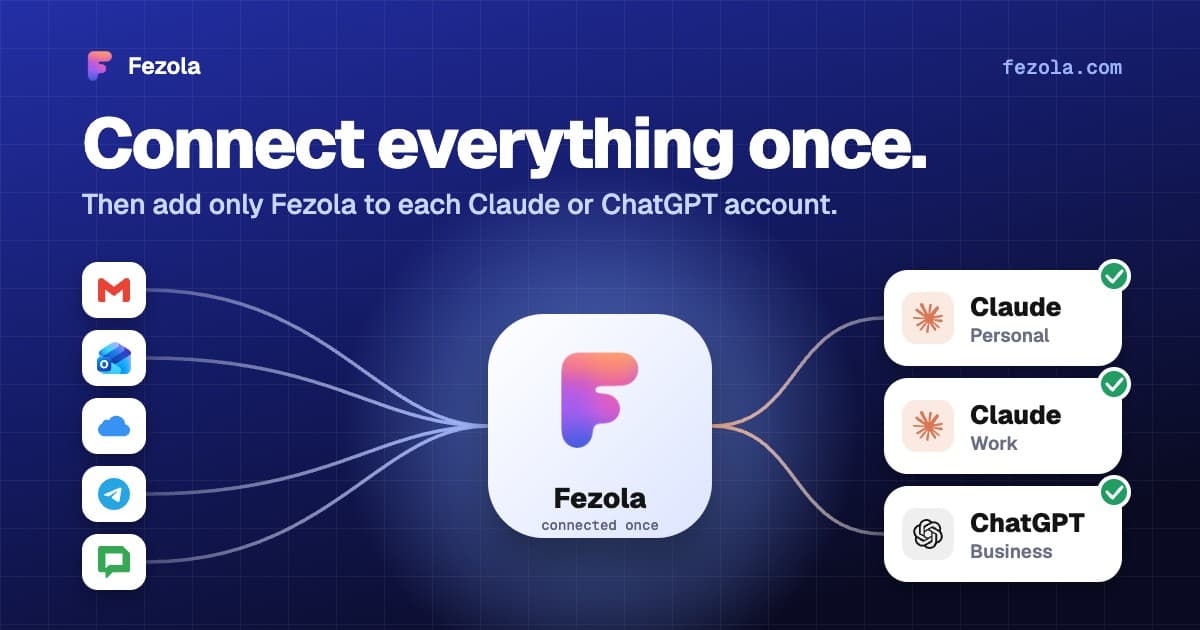
One connector, every Claude account: don't reconnect everything when you switch accounts
Connectors in Claude belong to one account, so switching accounts means starting over. How to connect your mail once and add a single connector to each Claude account.
Read the article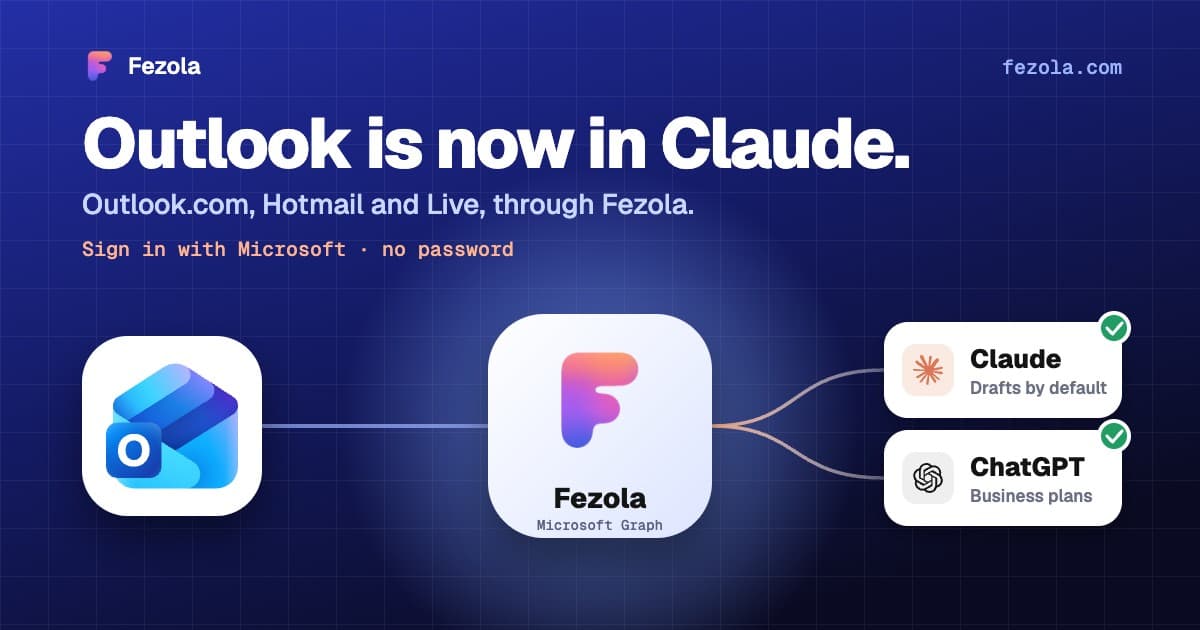
· 3 min read
Outlook.com and Hotmail now work in Claude (and ChatGPT on Business plans) with Fezola
Connect an Outlook.com, Hotmail or Live mailbox to Claude (and ChatGPT on Business plans) in one click with Sign in with Microsoft: no password, no IMAP setting, drafts only by default.
Read the article
· 3 min read
Read email attachments with AI: PDF, Word and images, and what is not supported
Which email attachments an AI assistant can really read: PDF, Word, text and images, the size limits, what is unsupported, and examples with invoices and contracts.
Read the article
IMAP MCP server: connect any mailbox to Claude (and ChatGPT Business)
OVH, IONOS, Gandi, Fastmail or a mailbox on your own domain, in Claude (and ChatGPT Business), with nothing to install.
Read the guide
How to bring all your inboxes and chats into Claude (or ChatGPT Business)
Gmail, iCloud, your own domain over IMAP, Google Chat and Telegram, searchable together through one connector.
Read the guide