One connector, every Claude account: don't reconnect everything when you switch accounts
4 min readBy Fezola
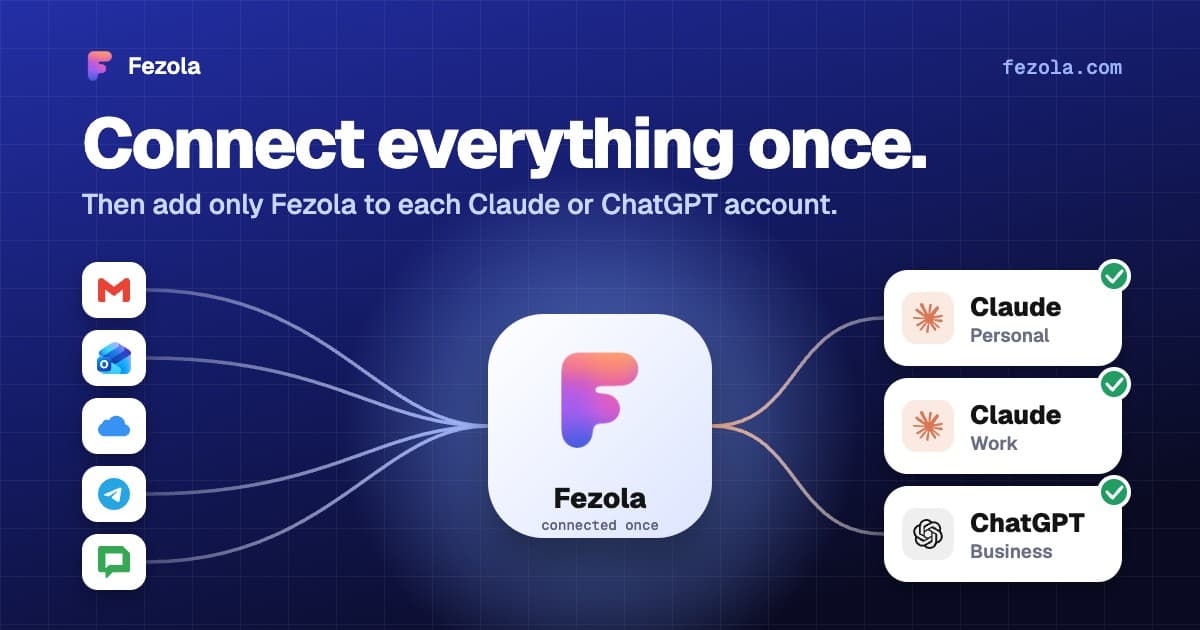
Short answer: connectors in Claude are tied to the account that added them, so when you switch accounts you have to add them again. If your mail goes through one connector, that is one step per account instead of one per mailbox. Connect everything once in Fezola, then add only Fezola to each Claude (or ChatGPT on Business plans) account.
Why switching accounts hurts
People use more than one Claude account for ordinary reasons: the weekly quota of one account is almost used up, one account is personal and the other is for work, or an employer rolls out Team or Enterprise. Each time, the connectors you set up are not there.
What Anthropic's help center says (checked 11 November 2026):
- Remote connectors are configured and brokered through your Claude account (custom connectors).
- When you move a personal account into a Team or Enterprise organization, connections to apps and services are turned off and you reconnect each one from the organization account. Custom connectors you added yourself are added again there, and your organization's policy may not allow them (move your personal account).
- Two accounts stay separate: you switch between them from the account menu.
What each situation costs
| Situation | What happens to your connectors | What you do |
|---|---|---|
| Personal account moved into a Team or Enterprise organization | Connections are turned off, custom connectors are not moved | Reconnect each app, re-add each custom connector, if the organization allows them |
| Second account with another email (quota, work and personal) | It is a separate account with its own connector list | Add the connectors you need to that account too |
| Joining a Team or Enterprise organization | An owner adds a custom connector once, each member signs in with their own account | Connect it from Customize, then Connectors |
| Free plan | One custom connector | Choose it carefully: one URL that holds many services is the best use |
What it costs with one connector per service
Say you use five connectors for mail: two Gmail accounts, an iCloud mailbox, a work mailbox and Telegram. Switching account means five sign-in flows and five approvals, and on the Free plan you cannot even add them all, because Free allows one custom connector.
The method: connect once in Fezola
Fezola is one custom connector that holds all your mailboxes behind one URL, https://api.fezola.com/mcp. You connect Gmail, Outlook.com, iCloud, Yahoo, any IMAP mailbox, Google Chat and Telegram once, on the Fezola site. After that, each Claude account only needs that one URL.
Example, for illustration. This is not a real account.
Your personal Claude account is almost out of messages for the week. You switch to your work account and ask: "What needs an answer today in all my mailboxes?"
- Open the work account from the account menu in Claude.
- Add Fezola once: Customize, Connectors, + Add, Add custom connector, name it Fezola, paste
https://api.fezola.com/mcpand sign in. Your mailboxes are already there: you did not connect them again. See how to add a custom connector to Claude for the exact menus. - Ask your question. Each result names its mailbox, so you know which account it came from.
Each Claude account signs in to Fezola on its own, and Fezola lists the assistants that have access, so you can revoke one without touching the others. Nothing is copied from one account to the other: the mailboxes live in Fezola, not in Claude.
Honest limits
- Fezola only groups mail, Google Chat and Telegram. Your other connectors (Notion, Slack, a calendar) still have to be added to each Claude account.
- It is not a transfer of your accounts. Fezola does not move your Claude settings, chats or other connectors.
- Fezola is a hosted service. Mailboxes are read live when your assistant asks. Drafts by default, sending only if you switch it on per mailbox.
- Team and Enterprise policy comes first. If your organization restricts custom connectors, ask an owner to add Fezola in Organization settings.
ChatGPT, in one line
On ChatGPT, custom MCP servers are available on Business and Enterprise/Edu plans (Pro is read-only). The same URL works there: add it to each account that allows it.
Try it
Create a free Fezola account, add your mailboxes in Sources, then add https://api.fezola.com/mcp to each Claude account. For several Gmail accounts, read multiple Gmail accounts in Claude and ChatGPT. To compare other options, see the best email MCP servers, and what is Fezola says who we are.
Questions
Do my connectors follow me when I switch Claude accounts?
No. Anthropic's help center says remote connectors are configured and brokered through your Claude account, and that when you move a personal account into a Team or Enterprise organization, connections are turned off and you reconnect each one from the organization account. A second account, with another email address, is a separate account with its own connectors.
What does the Free plan allow?
Free users can add one custom connector, according to Anthropic's support article. A connector that holds all your mailboxes behind one URL fits that limit.
How do Team and Enterprise handle connectors?
An owner adds the custom connector once in Organization settings, then Connectors. Each member connects it from Customize, then Connectors, with their own sign-in, so Claude only reaches what that person can reach.
Does Fezola replace my other connectors, like Notion or Slack?
No. Fezola only groups email (Gmail, Outlook.com, iCloud, Yahoo and any IMAP mailbox), Google Chat and Telegram. Your other connectors still have to be added to each Claude account.
Does this work with ChatGPT too?
On ChatGPT, custom MCP servers are available on Business and Enterprise/Edu plans. The idea is the same: connect your mailboxes once in Fezola and add the same URL to each ChatGPT account.
How much does Fezola cost?
Fezola is free for 2 sources. Pro connects up to 20 sources for $9 per month or $90 per year, with a 7-day free trial.
Connect your first inbox in two minutes
Free with 2 sources, no card needed. Nothing to install.
Start for freeKeep reading
· 3 min read
Claude Cowork and your email: how to reach several mailboxes with one connector
Cowork uses the remote connectors of your Claude account. Add Fezola once and search Gmail, Outlook.com, iCloud and IMAP mailboxes from Cowork. What is verified, what is not.
Read the article
· 4 min read
How to add a custom connector to Claude (and what the free plan allows)
How to add a custom MCP connector to Claude: the exact menus, what the Free plan allows, the sign-in options, how to remove one and what to watch out for.
Read the article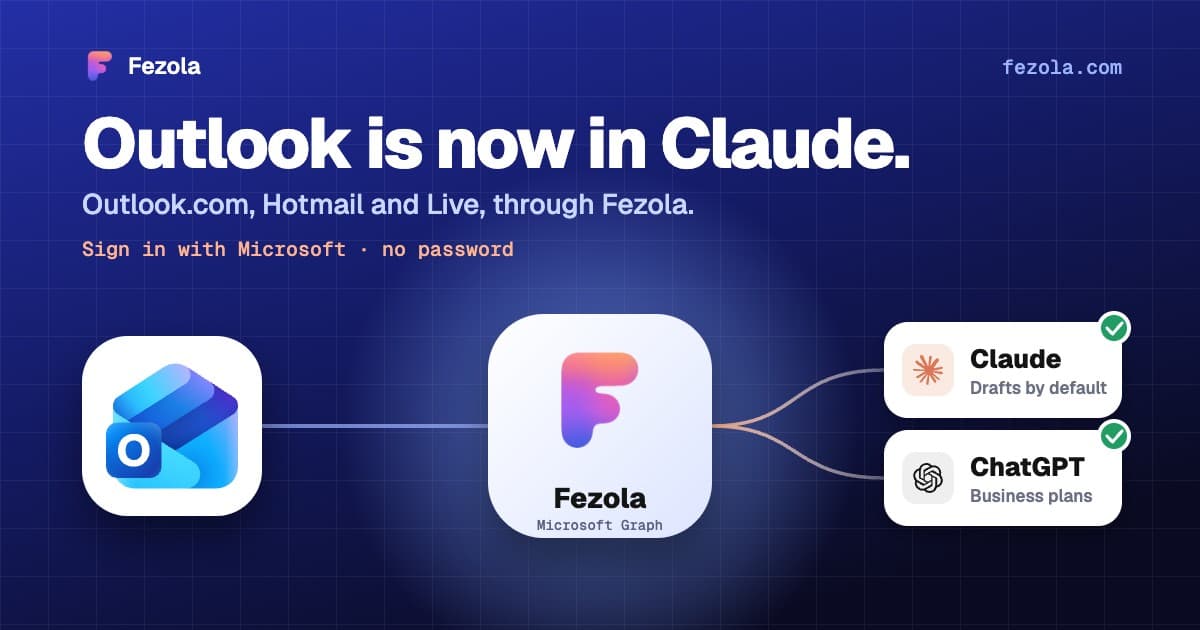
· 3 min read
Outlook.com and Hotmail now work in Claude (and ChatGPT on Business plans) with Fezola
Connect an Outlook.com, Hotmail or Live mailbox to Claude (and ChatGPT on Business plans) in one click with Sign in with Microsoft: no password, no IMAP setting, drafts only by default.
Read the article
IMAP MCP server: connect any mailbox to Claude (and ChatGPT Business)
OVH, IONOS, Gandi, Fastmail or a mailbox on your own domain, in Claude (and ChatGPT Business), with nothing to install.
Read the guide
How to bring all your inboxes and chats into Claude (or ChatGPT Business)
Gmail, iCloud, your own domain over IMAP, Google Chat and Telegram, searchable together through one connector.
Read the guide