Multiple Gmail accounts in Claude and ChatGPT: the built-in way, and when to add a connector
3 min readBy Fezola
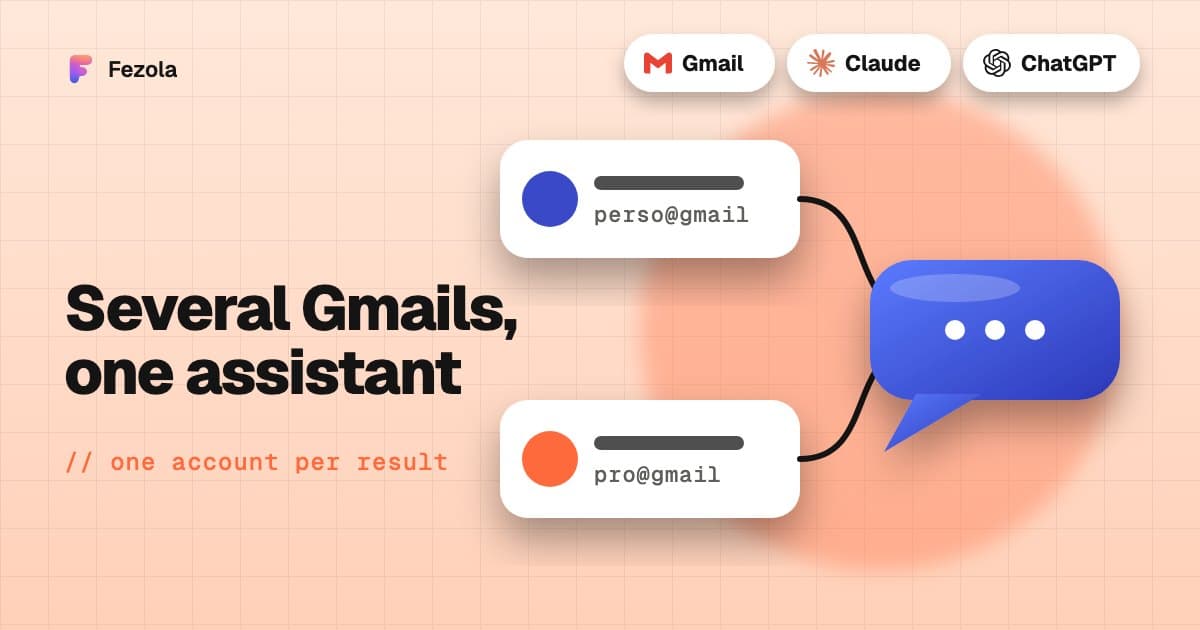
Short answer: for a personal Gmail and a work Gmail in the same assistant, look at the built-in connector first: ChatGPT offers Connect another account for apps that support several accounts, and Claude is rolling out several Google accounts. If the built-in one covers your two Gmail accounts, keep it. If you also want iCloud, a mailbox on your own domain, Google Chat or Telegram in the same search, drafts in the right mailbox, or attachments read, an MCP connector such as Fezola fills what is missing. Facts checked on 9 November 2026: they change fast.
What the built-in connectors do
ChatGPT. The Gmail plugin connects from Settings, Plugins. According to OpenAI's help page on connected accounts, some apps support more than one account: if Connected accounts appears, you can review one or select Connect another account, and, when supported, name the account you want in your request. If the app uses the wrong account, the page suggests checking the connected accounts and reconnecting the right one.
Claude. Anthropic's help article on Google Workspace connectors describes one connected Google account: Claude can only access the data of the account you connected. It does not say how to add a second one, and Anthropic has been rolling out several Google accounts in its Gmail connector, so open Customize, Connectors to see what your account offers.
Claude's Gmail connector can search, read, draft, and send, reply to or forward with your approval by default. It cannot read attachment content, only its metadata.
When the built-in connector is enough
- Both accounts are Gmail or Google Workspace.
- Your assistant offers several accounts on your plan.
- You want the assistant to be able to send with your approval, without another tool.
- You do not need attachment content read.
When an MCP connector helps
- You mix providers. Personal Gmail, a work mailbox on your own domain at OVH, IONOS or Gandi, iCloud, Yahoo: built-in connectors generally handle one provider each.
- You want to know where each result comes from. With Fezola, every search result carries its account (
accountLabel,accountEmail). - You want drafts in the right mailbox.
reply_draftsaves the reply in the mailbox that received the mail, with that address as the sender. Direct sending is off by default and opt-in per mailbox. - You want attachments read.
get_attachmentreads PDF, Word, text and image files. - You also want your chats. Google Chat and Telegram, read-only, in the same list.
Fezola is not the only connector of this kind: see best email MCP servers for an honest comparison, and Gmail MCP server: official, open source or hosted for Gmail-specific options.
Connect two Gmail accounts with Fezola, step by step
- Create a free Fezola account. The free plan includes 2 sources: your two Gmail accounts, for example.
- In Sources, add a mailbox, choose Gmail, select Continue with Google and give it a short name such as "Personal". Repeat for the second account, named "Work". If Google beta spots are full, use a Gmail app password instead.
- Add Fezola to Claude: Customize, Connectors, + Add, Add custom connector, paste
https://api.fezola.com/mcp, then approve the access (see how to add a custom connector to Claude). In ChatGPT, custom MCP servers are available on Business and Enterprise/Edu plans (Pro read-only): see how to add an MCP server to ChatGPT. - Ask: "Search both my Gmail accounts for today's unread emails and tell me which account each one is in."
Requests that show the difference
- "What needs a reply in my personal Gmail and my work Gmail?"
- "Draft a reply to the last email from my client, from the work address."
- "Find the hosting invoice in either account and read the PDF."
Honest limits
- Google beta. While Google verifies Fezola's app, the Google connection has a cap (95 accounts) and Google shows a warning screen at sign-in. Details in Gmail MCP server: official, open source or hosted.
- Full Gmail access. To use IMAP with OAuth, Google requires the
https://mail.google.com/scope, so Fezola asks for full access to the mailbox. It only acts on request, and you can revoke it at any time. - No drafts on every ChatGPT plan. Pro is limited to read and fetch permissions for custom MCP servers.
The guide Gmail, iCloud and IMAP inboxes together in Claude and ChatGPT covers the setup in detail, and is it safe to connect your email to an AI? explains what is stored and how to cut access.
Questions
Can you connect multiple Gmail accounts to ChatGPT?
Yes, where the app supports it. According to OpenAI's help center (checked 9 November 2026), some apps accept more than one connected account: in Settings, Plugins, open the app and look for Connected accounts, then Connect another account. Availability depends on the app, your account and your workspace.
Can you connect multiple Gmail accounts to Claude?
Anthropic's help article describes a single connected Google account. Anthropic has been rolling out support for several accounts, so check Customize, Connectors on your account. To bring several Gmail accounts together today, you can use a custom MCP connector.
How do I know which account a result comes from?
With Fezola, every search result carries its account (accountLabel and accountEmail), and a reply is created as a draft in the mailbox that received the message, with that address as the sender.
Does this also work with iCloud or a work mailbox on my own domain?
Yes with Fezola: Gmail, Outlook.com, Hotmail, iCloud, Yahoo, OVH, IONOS, Gandi or any IMAP mailbox, plus Google Chat and Telegram read-only, in the same search.
Is there a limit when connecting Gmail with Fezola?
While Google verifies Fezola's app, the Google connection is capped (Google limits unverified apps to 100 accounts for life, and Fezola stops at 95). Past that, Gmail connects with an app password.
How much does Fezola cost?
Fezola is free for 2 sources, for example two Gmail accounts. Pro connects up to 20 sources for $9 per month or $90 per year, with a 7-day free trial.
Connect your first inbox in two minutes
Free with 2 sources, no card needed. Nothing to install.
Start for freeKeep reading
· 6 min read
Gmail MCP server for Claude (and ChatGPT Business): official, open source or hosted
Three ways to connect Gmail to Claude through MCP: the built-in connector, Google's own server, or a hosted one. What each can do, what it costs you, honest limits.
Read the article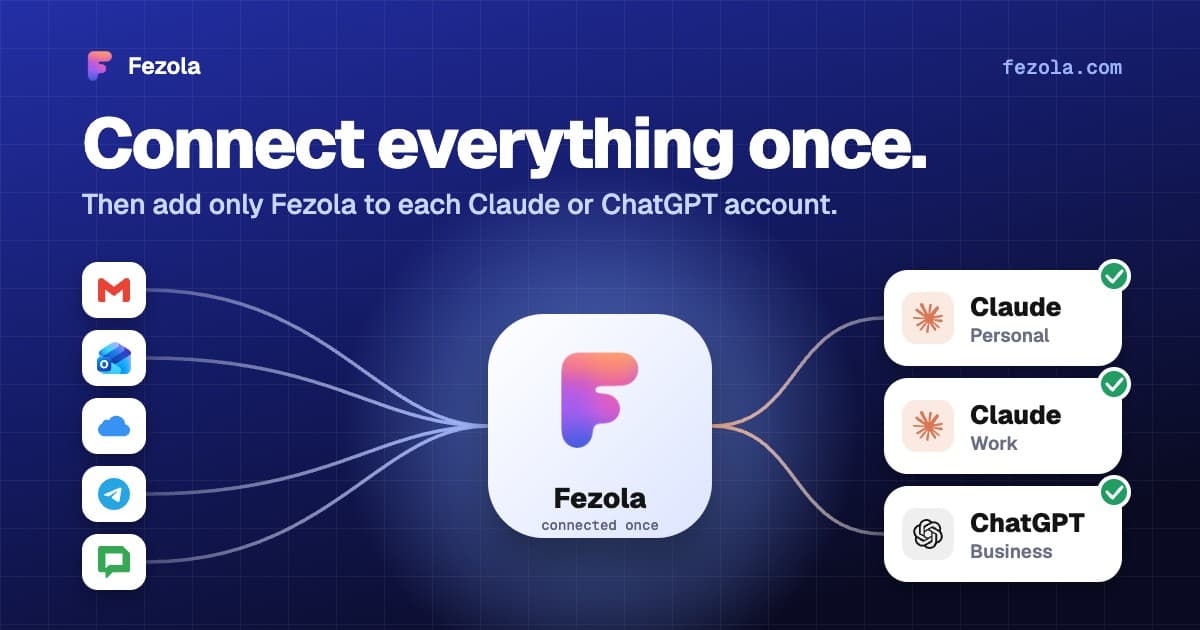
· 4 min read
One connector, every Claude account: don't reconnect everything when you switch accounts
Connectors in Claude belong to one account, so switching accounts means starting over. How to connect your mail once and add a single connector to each Claude account.
Read the article· 3 min read
How to connect your Gandi mailbox to Claude (and ChatGPT Business)
Use your Gandi Mail address in Claude, and in ChatGPT on Business plans: the exact IMAP and SMTP settings, a 2-minute setup, and what the assistant cannot do.
Read the article
IMAP MCP server: connect any mailbox to Claude (and ChatGPT Business)
OVH, IONOS, Gandi, Fastmail or a mailbox on your own domain, in Claude (and ChatGPT Business), with nothing to install.
Read the guide
How to bring all your inboxes and chats into Claude (or ChatGPT Business)
Gmail, iCloud, your own domain over IMAP, Google Chat and Telegram, searchable together through one connector.
Read the guide