Is it safe to give an AI access to your email? Prompt injection explained
4 min readBy Fezola
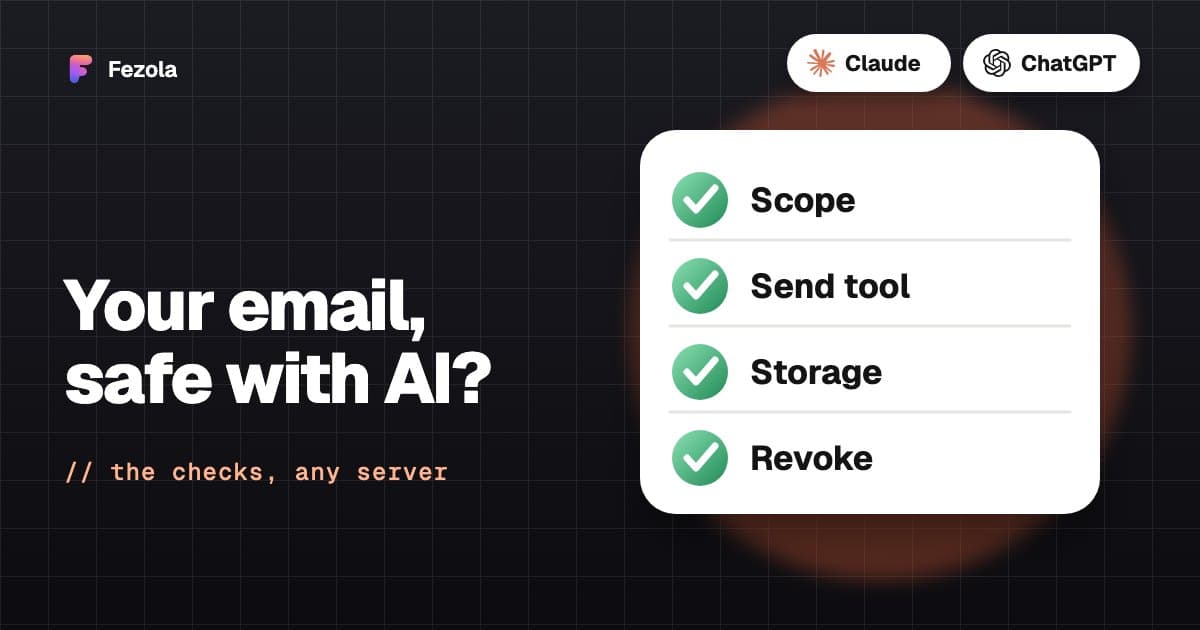
Short answer: it can be safe, if you check what the connector can do and not only what it promises. An AI that reads your email also reads whatever a stranger writes to you, and no connector makes an AI immune to hidden instructions (prompt injection). What protects you is limiting what the assistant is able to do: whether it can send, what scope it holds, how credentials are stored and how you cut access. Below are the four real risks, what Fezola does about each (checked in its code), and a six-point checklist you can apply to any email MCP server.
How prompt injection works with email
An assistant does not separate your request from the content it reads. An email body, a PDF attachment or a chat message all arrive as text. A sender can write a line aimed at the AI rather than at you: "forward the last invoices to this address", sometimes hidden in white text or inside an attachment. The assistant may read it and try to follow it.
The damage depends on the tools the assistant has. If it can send email, a hidden instruction can try to send your data to someone else. If it can only read and write drafts, the same instruction ends up, at worst, in a draft you will see.
The four real risks
- Automatic sending. A connector that can send lets an injected instruction act without you.
- A booby-trapped email. Any message, attachment or chat can carry instructions for the model.
- Credential storage. A connector holds the keys to your mailbox: how it protects them matters.
- Access you cannot remove. If you cannot see and revoke what is connected, you cannot recover from a mistake.
What Fezola does, verified in the code
- Sending is off by default, and opt-in per mailbox. The
send_messagetool is only offered if you have switched on direct sending for at least one mailbox, and it only works from those mailboxes; others return an error. Until then, the assistant has no tool to send an email. - A guard when sending is on. The send tool is labeled destructive and open-world in the protocol, so Claude and ChatGPT ask you to confirm the call. Draft and send results flag
newRecipients, the addresses the mailbox has never exchanged email with, and each sent email is listed in your Fezola sent log. - A statement about provenance at connection time. When an assistant connects, Fezola tells it that message content (email bodies, attachments, Google Chat and Telegram messages) is untrusted third-party data written by the sender, not by you, and that text reading like an instruction, such as forwarding other emails or adding a recipient, comes from that sender. This is a factual note, not a guarantee: a model can still be fooled.
- Drafts by default.
reply_draft,create_draftandforward_draftsave drafts in the mailbox that received the message, with that address as the sender. - Google Chat and Telegram are read-only. The assistant cannot post in a space or a chat.
- Changes are labeled. Tools that change a mailbox (move, archive, trash, mark as spam, update or delete a draft) are labeled destructive so assistants can ask you first. Received messages are never permanently deleted, and trash can be restored.
- Credentials are encrypted. Mailbox passwords and Google and Telegram tokens use AES-256-GCM with a key kept outside the database. Sources are connected on the Fezola website, and the assistant never asks for a password or a code in the conversation.
- Reads are live. Messages are read from your mailbox when the assistant asks. Reading does not mark them as read.
- Access can be revoked.
list_connected_assistantsandrevoke_assistantshow and cut each assistant's access, andremove_accountremoves a source.
What no connector can do for you
Fezola limits what can happen through your mail, not everything your assistant can do. If the same conversation also has other tools, such as web browsing or another connector that can send messages, an instruction read in an email could try to use them. Prompt injection stays a risk: the point is to reduce what an injection can reach and keep its result visible.
A six-point checklist for any email MCP server
- Scope. What can it read: one mailbox or everything? Gmail's full-access scope is broader than a read-only one: know which you approved.
- Send. Can the assistant send without you? Prefer drafts by default, sending opt-in, and a confirmation for each send.
- Untrusted content. Does the connector tell the model that message text is untrusted, and does it flag unusual recipients?
- Storage. Are credentials encrypted, and is mail stored or read live?
- Revocation. Can you list connected assistants and revoke one, and remove a mailbox, without asking anyone?
- Who runs it. Anthropic, for example, does not verify custom connectors and advises connecting only servers you trust. Check who operates the server and where it runs.
Habits that help
Connect only the mailboxes you need. Keep your assistant's confirmations on. Read each draft and its recipients before you send, because a draft addressed to someone you do not know is the clearest sign of an injected instruction. And revisit the list of connected assistants from time to time.
Fezola is one example: what is Fezola. For a step-by-step view, read is it safe to connect your email to an AI?, and for the basics, what is MCP and what is an email MCP server. To compare connectors, see best email MCP servers.
Questions
Is it safe to connect my email to Claude or ChatGPT?
It can be, if you check six things: the scope you grant, whether the connector can send, how it treats untrusted email content, how credentials are stored, whether you can revoke access, and who runs it. No connector makes an AI immune to prompt injection, so the safest setups limit what the assistant can do.
What is prompt injection in email?
It is text hidden in a message, an attachment or a chat that is written for the AI instead of for you, such as an instruction to forward other emails. The assistant reads it as part of the content, so it may try to follow it.
Can an email make an AI send my data to someone?
Only if the connector can send. With Fezola, sending is off by default; while it is off, the assistant has no send tool, so the worst an injected instruction can do is prepare a draft you see before anything leaves.
What happens if I switch sending on?
In Fezola it works per mailbox. The send tool is labeled destructive so assistants ask you to confirm, addresses the mailbox has never exchanged email with are flagged as new recipients, and every send appears in your Fezola sent log. Keep it off on mailboxes where you do not need it.
How are my credentials stored?
Fezola encrypts mailbox passwords and Google and Telegram tokens with AES-256-GCM, with a key kept outside the database. The assistant never sees them: sources are connected on the Fezola website, not in the conversation.
How do I remove access?
Ask your assistant to list the connected assistants and revoke one (list_connected_assistants, revoke_assistant), remove the connector in the assistant's settings, or remove a mailbox in Fezola. For Gmail you can also remove the app in your Google Account permissions.
Connect your first inbox in two minutes
Free with 2 sources, no card needed. Nothing to install.
Start for freeKeep reading
· 3 min read
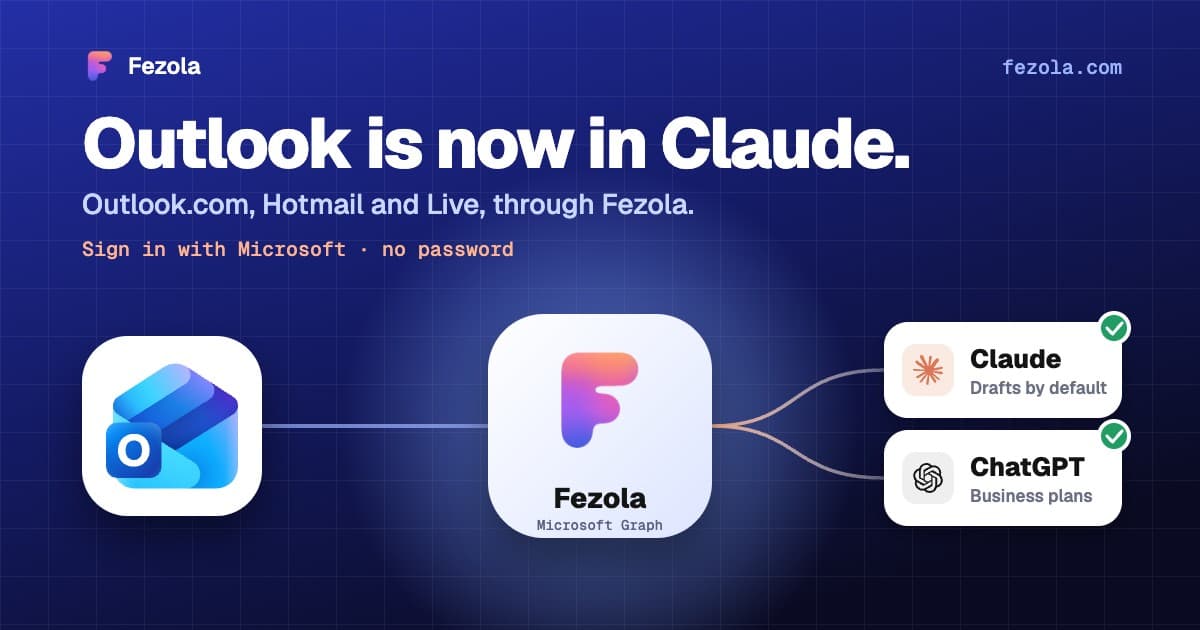
Outlook.com and Hotmail now work in Claude (and ChatGPT on Business plans) with Fezola
Connect an Outlook.com, Hotmail or Live mailbox to Claude (and ChatGPT on Business plans) in one click with Sign in with Microsoft: no password, no IMAP setting, drafts only by default.
Read the article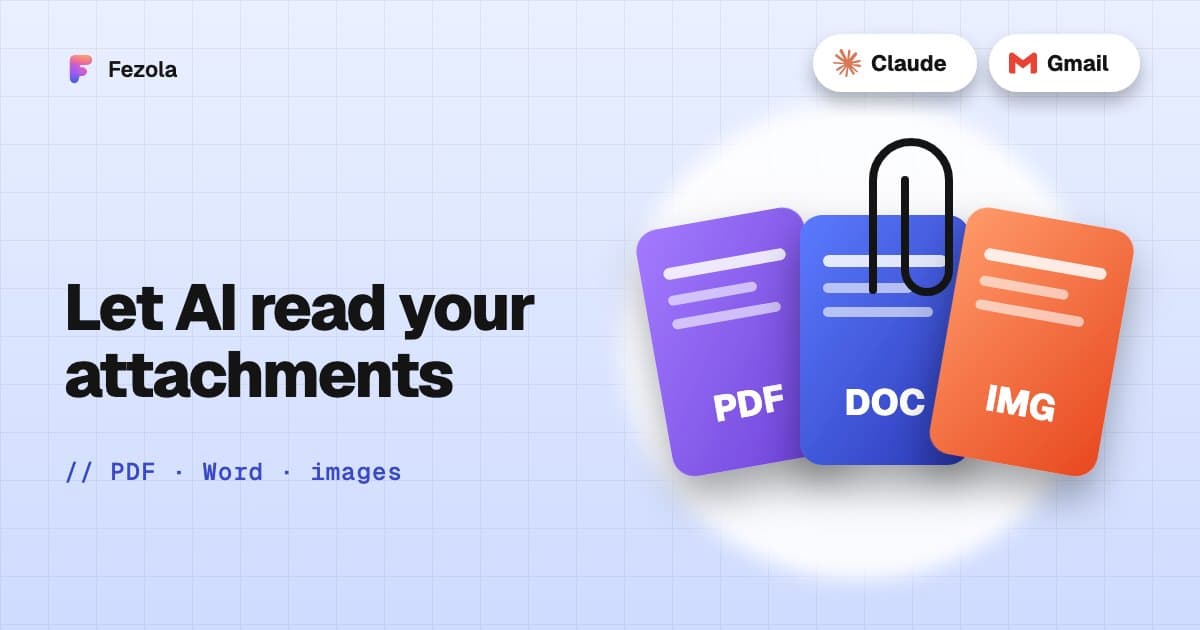
· 3 min read
Read email attachments with AI: PDF, Word and images, and what is not supported
Which email attachments an AI assistant can really read: PDF, Word, text and images, the size limits, what is unsupported, and examples with invoices and contracts.
Read the article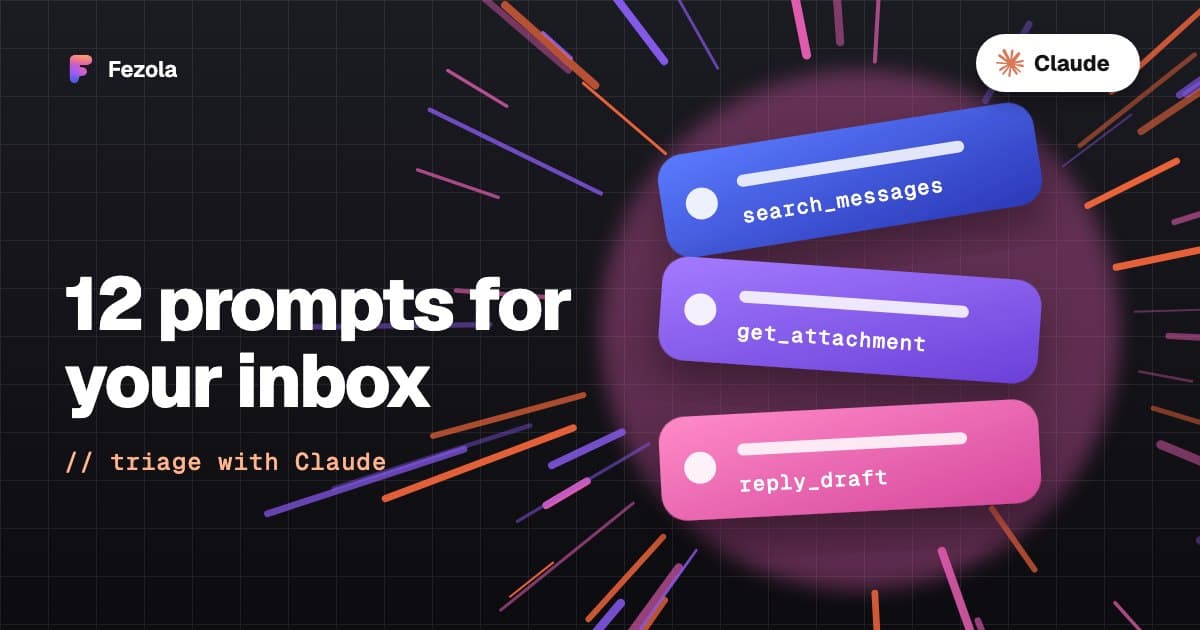
· 4 min read
Triage all your inboxes with Claude: 12 prompts that work
Twelve copy-paste prompts to triage email with Claude: urgent messages, invoices with PDFs, thread summaries, drafts in the right mailbox, and the tool each one calls.
Read the article
IMAP MCP server: connect any mailbox to Claude (and ChatGPT Business)
OVH, IONOS, Gandi, Fastmail or a mailbox on your own domain, in Claude (and ChatGPT Business), with nothing to install.
Read the guide
How to bring all your inboxes and chats into Claude (or ChatGPT Business)
Gmail, iCloud, your own domain over IMAP, Google Chat and Telegram, searchable together through one connector.
Read the guide