Multiple Notion workspaces in Claude (and ChatGPT): connect them once
2 min readBy Fezola
Connect each of your Notion workspaces once in Fezola, then add only Fezola to Claude or ChatGPT. Your assistant searches across them and acts in the right one, and if you later change Claude account, you add a single connector instead of reconnecting every workspace. Fezola relays the official Notion MCP server: nothing is copied out of Notion, each call goes through Notion's API with the authorization of the workspace you picked.
The problem with several workspaces
Most people end up with more than one: a personal workspace, one for work, one per client. A connector is tied to one Claude account, and Notion asks you to authorize a workspace when you connect. Switching Claude account means reconnecting everything. Fezola moves that work to one place.
How it works
- Connect each workspace in Fezola. On app.fezola.com, open Sources, Add source, Notion, and authorize the workspace with Notion's own screen. Repeat for the next one. You can also ask Claude "connect my Notion" once Fezola is added.
- Add Fezola to Claude or ChatGPT with the URL
https://api.fezola.com/mcp: see how to add a custom connector to Claude. ChatGPT accepts custom MCP servers on Business and Enterprise/Edu plans (Pro read-only). - Ask. Fezola gives your assistant two tools for services like Notion: one that searches the available Notion tools by keywords (search pages, create a page, update a database), and one that calls the chosen tool on a given workspace.
list_accountsshows each workspace by name, so the assistant knows which one is which.
What you can ask
- "Search my work and personal Notion for the meeting notes about the pricing."
- "Create a page in my work workspace with a summary of this thread."
- "In my personal Notion, add this idea to my reading list."
When a request could apply to several workspaces, the assistant sees each result with its workspace name, as it does for mailboxes with search across all your inboxes.
Safety
- One token per workspace, stored encrypted, and revoked at Notion when you disconnect.
- Text from Notion is data. A page can contain instructions aimed at the model; Fezola marks what comes back from a third party as data, and truncates it.
- Tools that can modify or delete are flagged so your assistant and Claude's own permission prompts treat them with care.
- Revoke anytime: remove the workspace in Fezola, or remove the connector in Claude.
What Fezola does not do yet
Fezola relays Notion, and groups mail, Google Chat, Telegram and Google Calendar. Slack and other tools still need their own connector in each Claude account. Our direction is simple: if a tool only has an API and no MCP server, we build the connector. Other connectors are being prepared and have no release date.
Questions
Can Claude use several Notion workspaces at once?
With Fezola, yes. You connect each workspace in Fezola with its own Notion authorization, and your assistant searches them and calls the right one. Each workspace appears as its own account.
Is this Notion's official connector?
Fezola relays the official Notion MCP server (mcp.notion.com). Every call goes through Notion's own API with the token of the workspace you chose.
What can the assistant do in Notion?
It looks for the Notion tool that fits your request, then calls it on the right workspace: search, read, and create or edit pages. Tools that can change or delete data are flagged as such.
Is my Notion token safe?
There is one token per workspace, stored encrypted, and revoked at Notion when you disconnect the workspace. Text coming back from Notion is treated as data, not as instructions to follow.
Is it free?
Fezola is free with 2 sources. Pro connects up to 20 sources, with a 7-day free trial.
Connect your first inbox in two minutes
Free with 2 sources, no card needed. Nothing to install.
Start for freeKeep reading
· 3 min read
Google Ads in Claude and ChatGPT: read every ad account with one connector
Connect your Google Ads accounts once in Fezola and ask Claude or ChatGPT about campaigns, costs and keywords across every account. Read-only. Compared with Google's own open-source server.
Read the article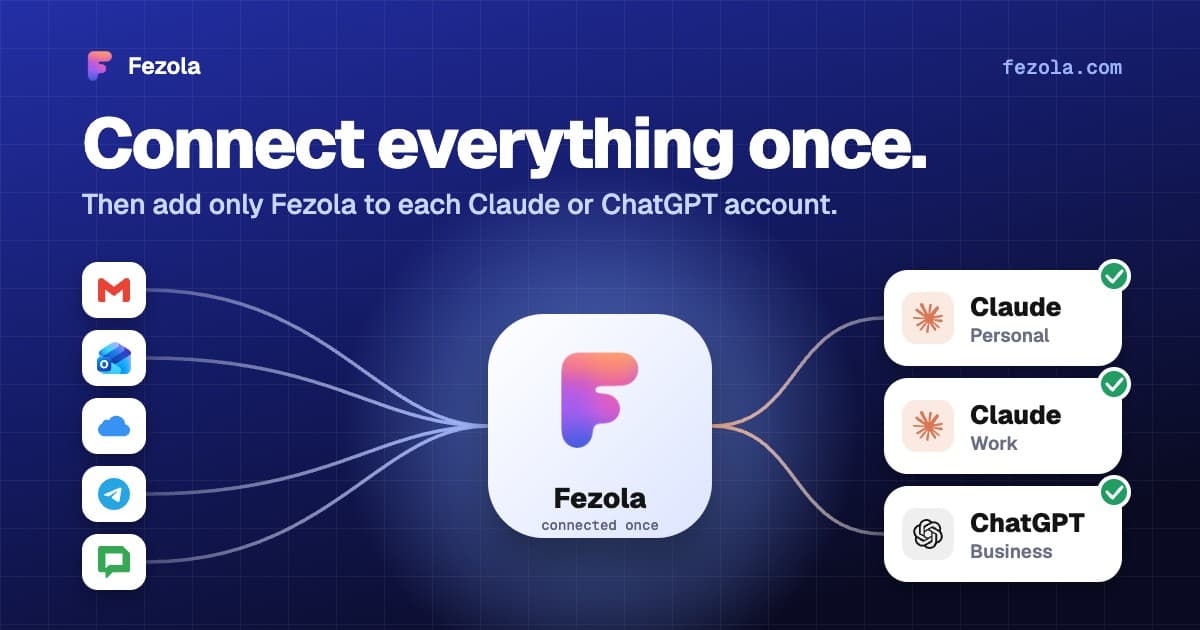
· 4 min read
One connector, every Claude account: don't reconnect everything when you switch accounts
Connectors in Claude belong to one account, so switching accounts means starting over. How to connect your mail once and add a single connector to each Claude account.
Read the article· 3 min read
Claude Cowork and your email: how to reach several mailboxes with one connector
Cowork uses the remote connectors of your Claude account. Add Fezola once and search Gmail, Outlook.com, iCloud and IMAP mailboxes from Cowork. What is verified, what is not.
Read the article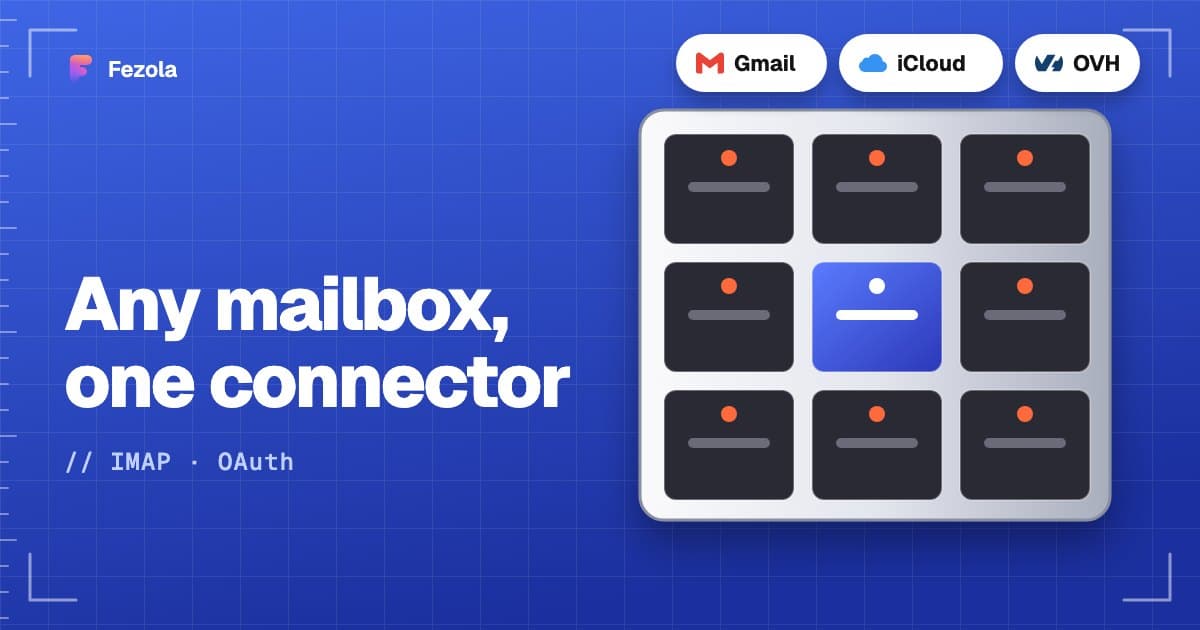
IMAP MCP server: connect any mailbox to Claude (and ChatGPT Business)
OVH, IONOS, Gandi, Fastmail or a mailbox on your own domain, in Claude (and ChatGPT Business), with nothing to install.
Read the guide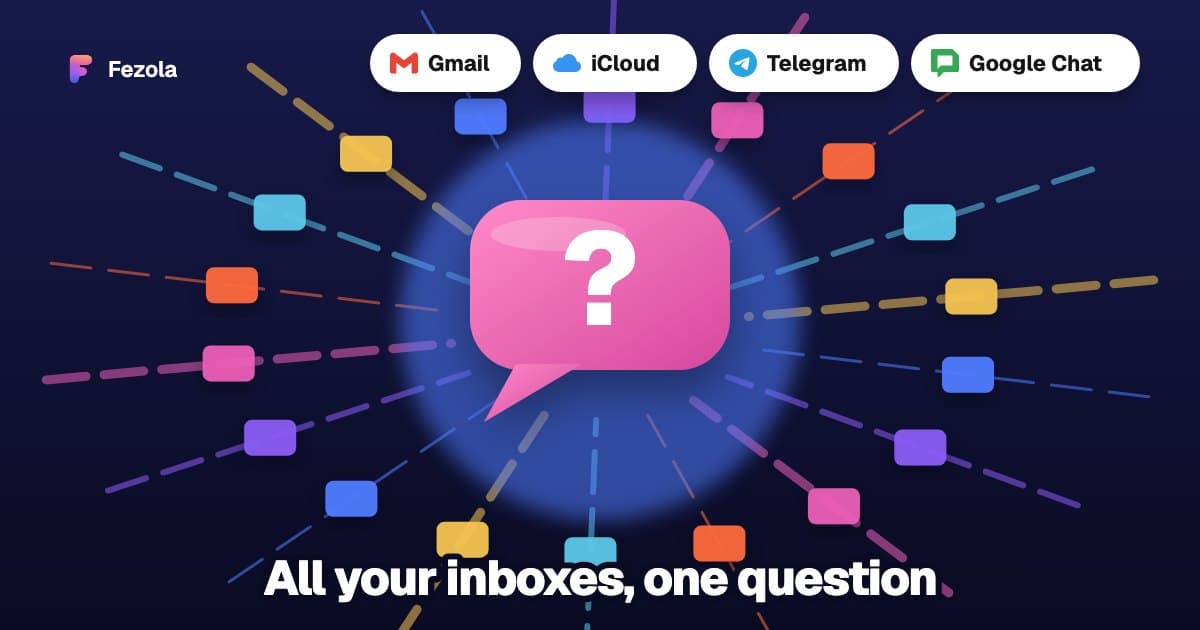
How to bring all your inboxes and chats into Claude (or ChatGPT Business)
Gmail, iCloud, your own domain over IMAP, Google Chat and Telegram, searchable together through one connector.
Read the guide