Choose which tools Claude or ChatGPT can see: give an AI access to only your calendar
In short
With Fezola you tick which tools each assistant sees (Mail, Calendar, Google Ads, Notion...). Unticked tools are invisible. How it works and its limits.
By FezolaPublished Updated 2 min read
On this page
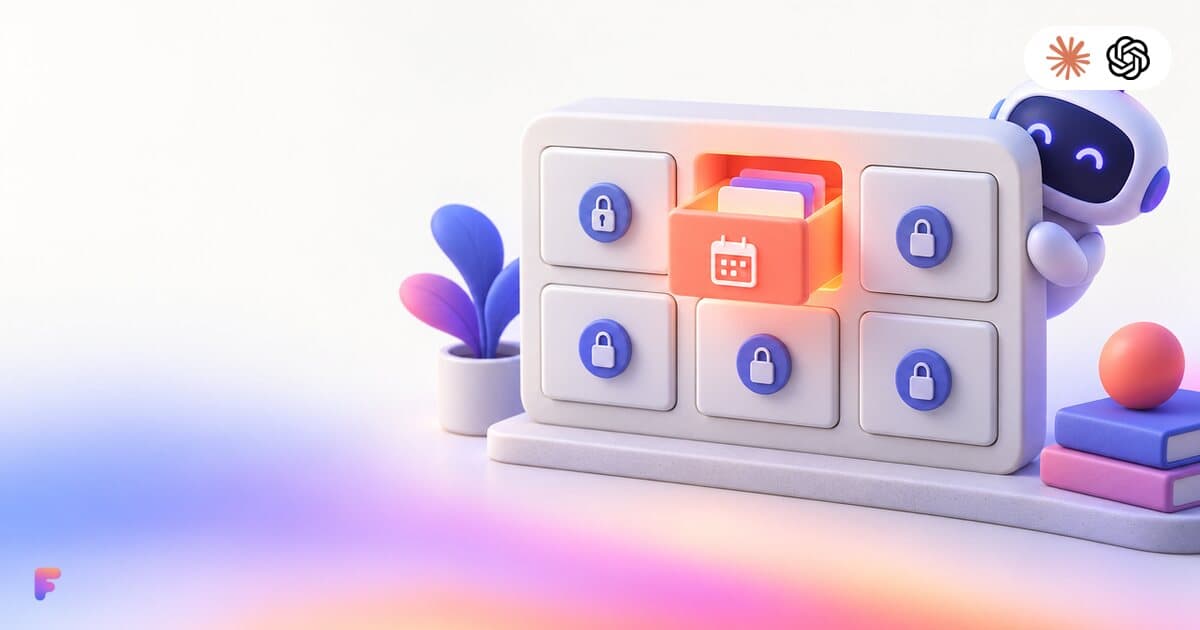
With Fezola you decide, assistant by assistant, which of your tools Claude or ChatGPT can see, and anything you leave unticked is invisible to it. On the authorization screen you tick the tools you want to share (Mail, Google Chat, Telegram, Google Calendar, Google Ads, OpenAI Ads, Microsoft Advertising, Notion), and you can change it later without reconnecting. That is how you give an AI access to only your calendar, or only your Notion.
How it works
- At authorization. When Claude or ChatGPT asks for access, the Fezola consent screen lists your tools with a checkbox each.
- Afterwards. On the MCP connector page, each granted access shows what that assistant "Can see", and Choose tools lets you change it. Changes apply right away.
- Per assistant. The choice belongs to each assistant's authorization. Claude can see Mail and Calendar while ChatGPT only sees Notion.
- Only you change it. The owner of the account edits the list.
What "invisible" means
For an unticked tool, from the code:
- its tools are not in the tool list the assistant receives;
- a direct call is refused: the assistant gets a "tool not authorized" answer;
- its accounts and data are filtered out of shared tools such as the account list and recent messages;
- the same goes for accounts you add to that tool later.
If a list is stored but cannot be read, Fezola opens nothing rather than everything.
The defaults
By default every tool is ticked. Ticking all of them is stored as "all tools", which also covers sources Fezola adds later. If you want an assistant limited to what you chose today, untick the rest: the assistant then keeps the list you set, and new tools you connect later stay hidden from it until you tick them.
What it does not limit
- Per tool, not per action. Ticking Google Ads shows both the reading and the writing tools of Google Ads. There is no "read only" tick inside a tool. Keep your assistant's approval prompts on for writing, and use validate-only for ad changes: see is it safe to let an AI edit your Google Ads?.
- Not a substitute for care. A ticked tool can still return text written by someone else, such as an email. Read what the assistant proposes before you approve it.
Examples
- Calendar only: tick Google Calendar, untick the rest. The assistant sees your calendars and nothing else.
- Work assistant: tick Mail and Notion for Claude. Tick only Google Ads for ChatGPT.
- Cautious start: tick only Mail to try an email workflow, and add tools one by one.
For the general picture of what an email connector can read, see is it safe to give an AI access to your email?. To connect Fezola to Claude, see how to add a custom connector to Claude.
New to MCP? Start with what is MCP, the Model Context Protocol.
Want your assistants to remember across tools? See Claude memory vs ChatGPT memory.
Questions and answers
Can I give Claude or ChatGPT access to only one of my tools, such as my calendar?
Yes. On Fezola's authorization screen you tick the tools the assistant can see, such as Mail, Google Calendar, Google Ads or Notion. You can change it later, per assistant, on the MCP connector page with Choose tools.
What happens to a tool I leave unticked?
It is invisible to that assistant: its tools do not appear in the list the assistant receives, a direct call is refused, and its accounts and data are not shown. Changes apply right away.
Is everything shared by default?
Yes: by default every tool is ticked, and ticking all of them means all tools, including sources you add later. Untick what the assistant does not need.
Can I allow Google Ads for reading only?
Not with this setting. The choice is per tool, such as Google Ads or Mail, not per action. If a tool is ticked, the assistant sees its reading and writing tools. Keep your assistant's approval prompts on for writing.
Can Claude and ChatGPT have different access?
Yes. The choice is stored on each assistant's authorization, so Claude can see Mail and Calendar while ChatGPT only sees Notion.
Is it free?
Fezola is free with 2 sources. Pro connects unlimited sources, with a 7-day free trial.
More in Memory and privacy
Is it safe to connect an MCP server to Claude or ChatGPT? A checklist
Connect only trusted MCP servers, check permissions, limit tools, keep approvals on and know how to revoke. A checklist from official sources, Nov 2026.
3 min read
Memory MCP server for Claude and ChatGPT: how it works and what to check
How a memory MCP server gives Claude and ChatGPT one shared memory: five tools, filing by project, and five things to check before you trust one.
2 min read

Claude memory vs ChatGPT memory: how to share one memory across both
How Claude's and ChatGPT's memories work, why each keeps its own slice, and how Fezola Memory gives both one shared, encrypted memory you control.
2 min read