How to use multiple Gmail accounts in Claude and ChatGPT
Claude is rolling out several Google accounts and ChatGPT offers Connect another account (checked 9 Nov 2026). A connector like Fezola covers other mailboxes.
Built-in connectors usually see one account at a time. That works until you have a personal Gmail, a work address, a client workspace and a second Notion team. This category is about using all of them together in Claude and ChatGPT. The idea is simple: you connect every account once in Fezola, then add only Fezola to each assistant, including Claude Cowork and several Claude or ChatGPT accounts if you use them. Each result says which account it came from, so the assistant never mixes a client thread with a personal one. The articles compare this with what the official connectors offer today and show the setup step by step. Start with the multiple Gmail accounts guide, the question we hear most often.
New to Fezola? What is Fezola · Step-by-step guides
Claude is rolling out several Google accounts and ChatGPT offers Connect another account (checked 9 Nov 2026). A connector like Fezola covers other mailboxes.
Connectors in Claude belong to one account, so switching means starting over. Connect your mail once and add a single connector to each Claude account.
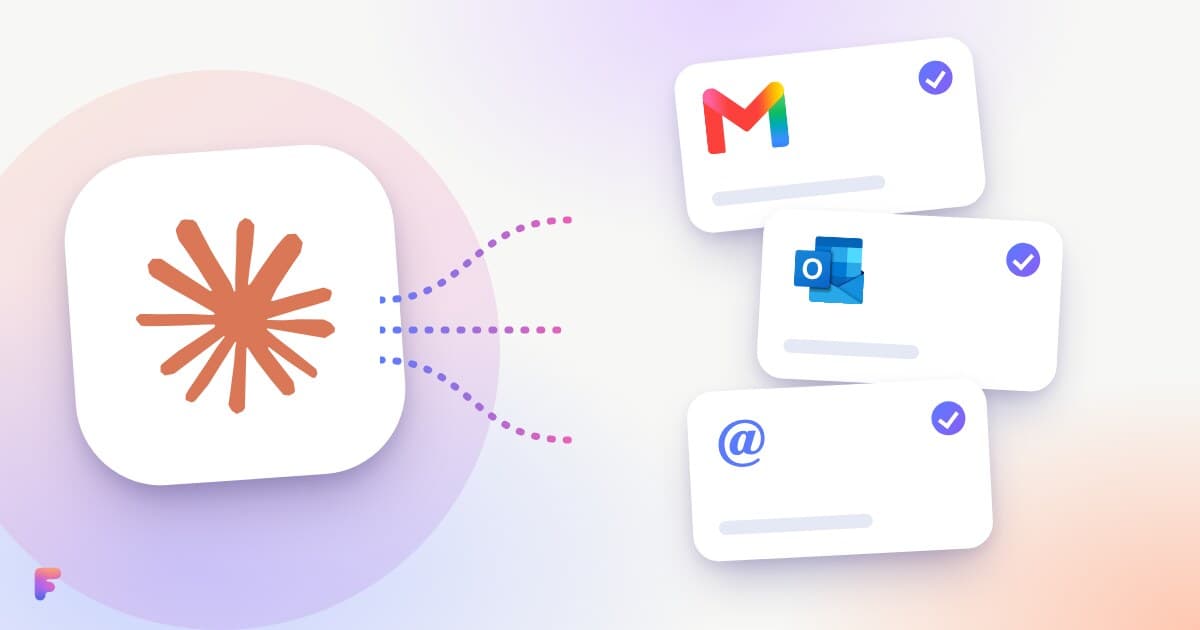
Yes, with the right connector. What Claude's built-in Gmail connector covers (checked 15 Nov 2026), and how to add Outlook, iCloud and IMAP mailboxes with one MCP connector.
2 min read

Cowork uses the remote connectors of your Claude account. Add Fezola once and search Gmail, Outlook.com, iCloud and IMAP from Cowork. What is verified.
3 min read

Connect your personal and work Notion workspaces once in Fezola, add only Fezola to Claude or ChatGPT, and search and edit pages in the right workspace.
2 min read